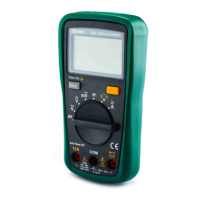
DY03005 Users Manual
-14-
Connect the black test lead to the "COM" terminal.
Connect the red test lead to the " ΩVmA " terminal if the current to be measured is less than 200mA. If the current is between 200mA and
10A, connect the red test lead to the "10A" terminal instead.
Set the range switch to desired range position.
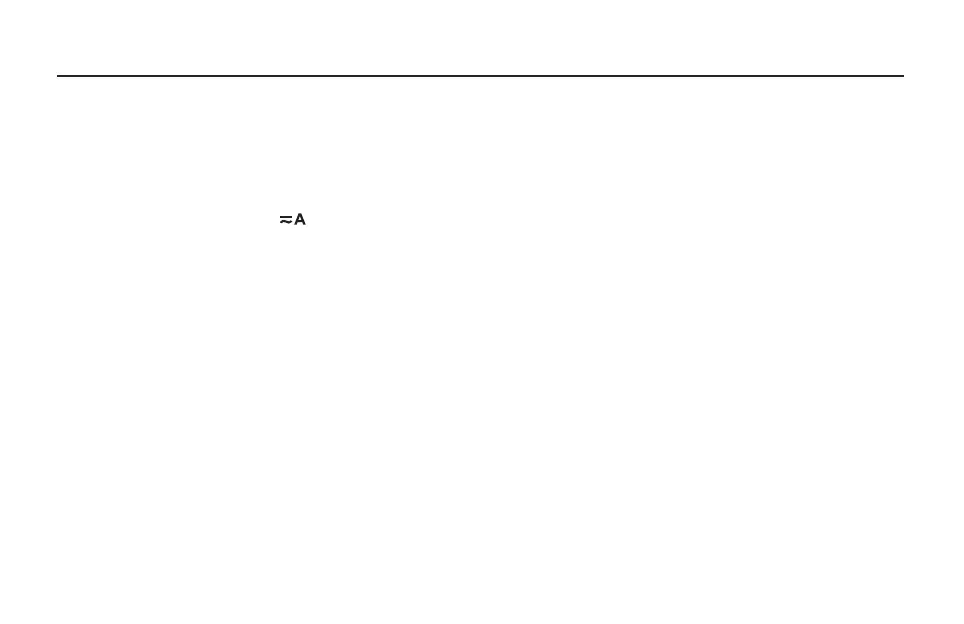
Select dc or ac current measurement with the "AC/DC" button according to the marks beside this button.
Turn off power to the circuit to be tested. Then discharge all high-voltage capacitors.
Break the circuit path to be tested, then connect the test leads in series with the circuit.
Turn on power to the circuit, then read the reading on the display. For dc current measurements, the polarity of the red test lead connection
will be indicated as well.
Measuring DC or AC Current
1.
2.
3.
4.
5.
6.
Note:
If the magnitude of the current to be measured is not known beforehand, set the range switch to the highest range first and then reduce
it range by range until satisfactory resolution is obtained.


 To Next Page