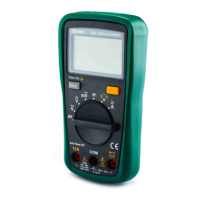
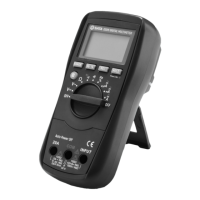
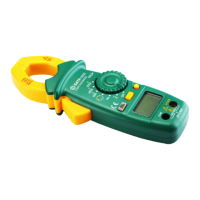
DY03005 Users Manual
-15-
Connect the black test lead to the "COM" terminal and the red test lead to the " ΩVmA " terminal.
Set the range switch to desired Ω range position.
Connect the test leads across the object to be tested.
Read the reading on the display.
Measuring Resistance
1.
2.
3.
4.
1.
2.
3.
For measurements > 1MΩ, the meter may take a few seconds to stabilize reading. This is normal for high resistance measurements.
When the input is not connected, i.e. at open circuit, " OL " will be displayed as an overrange indication.
Before test, disconnect all power to the circuit to be tested and discharge all capacitors thoroughly.
Connect the black test lead to the "COM" terminal and the red test lead to the " ΩVmA " terminal.
Set the range switch to position.
Connect the test leads across the circuit to be tested.
If the resistance is less than about 20Ω, the built-in buzzer will sound.
Note:
Continuity Test
1.
2.
3.
4.
Before test, disconnect all power to the circuit to be tested and discharge all capacitors thoroughly.
Note:


 To Next Page