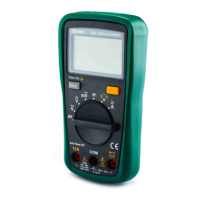
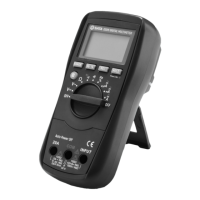
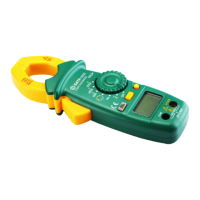
DY03005 Users Manual
-17-
Connect the plug of a test lead to an input terminal of the meter, and connect the probe tip of this test lead to the line's conductor to be
tested. Press and hold down the AC Voltage Detection Button. When the meter detects AC voltage, the built-in buzzer will sound discontinu-
ously and the AC Voltage Detection Indicator will flash.
Live AC Wire Detection
1.
2.
3.
4.
5.
To avoid electric shock, do not touch any naked conductor with hand or skin.
Because of the meter's detection limit, a line ( or conductor) under test may be live even if the buzzer does not sound and the AC Voltage
Detection Indicator does not light.
Before use, verify the meter's operation by detecting a known live ac wire (or conductor).
When you just press and hold down the AC Voltage Detection Button, the buzzer may sound two beeps and the AC Voltage Detection
Indicator may flash twice. This is normal and doesn't matter.
Don't use the meter in an environment with intense electromagnetic field.
Note:
2.
3.
4.
5.
Because of the meter's detection limit, a line ( or conductor) under test may be live even if the buzzer does not sound and the AC Voltage
Detection Indicator does not light.
Before use, verify the meter's operation by detecting a known AC voltage.
When you just press and hold down the AC Voltage Detection Button, the buzzer may sound two beeps and the AC Voltage Detection
Indicator may flash twice. This is normal and doesn't matter.
Don't use the meter in an environment with intense electromagnetic field.


 To Next Page