SATEL ASD-110 3
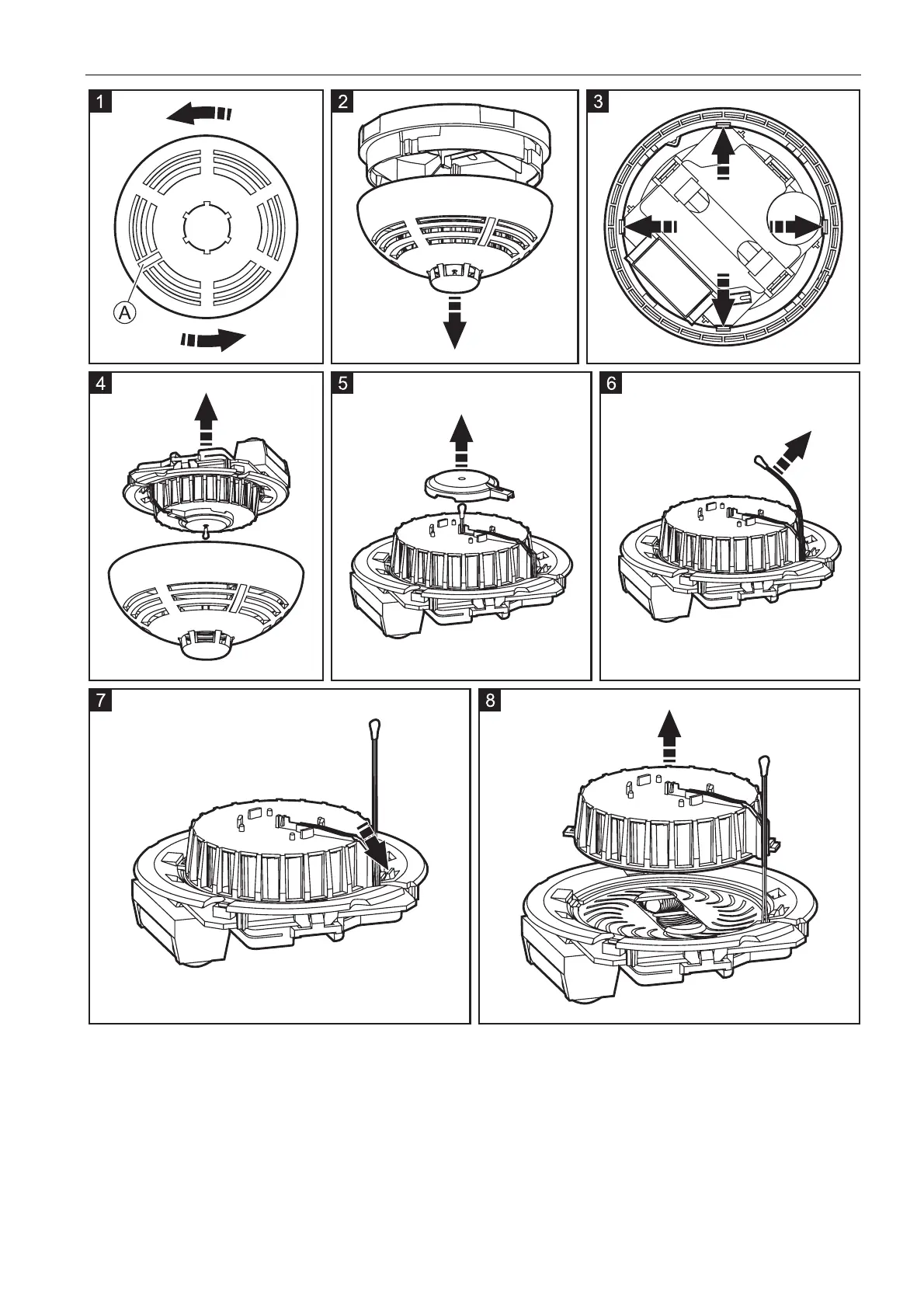
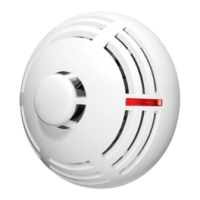
8. Using a soft brush or compressed air, clean the labyrinth in the cover and the base of the
optical chamber, paying attention to the recesses where the LEDs are installed.
9. Replace the cover of the optical chamber.
10. Place the thermistor leads in the respective grooves.
11. Replace the thermistor cover.
12. Secure the electronics board with the optical chamber in the cover mounting catches. The
board must be mounted so that the LED coincides with the light guide/button.
13. Re-install the battery.


 To Next Page