SATEL VERSA 9
You can download the application from the internet stores: “Google play” (Android system
devices) or “App Store” (iOS system devices).
Having installed the application:
• enter the name of control panel (to enable identification of the control panel when using
the application),
• enter the MAC address of ETHM-1 Plus module,
• enter the ID number of ETHM-1 Plus module (the individual identification number for the
purpose of communication via the SATEL server),
• enter the user code (which will be used when operating the control panel by means of the
application),
• select an icon for the control panel (to facilitate identification of the control panel when
using the application),
• enable / disable the push notifications of the alarm system events (if you enable the push
notifications, select the events about which you want to be informed).
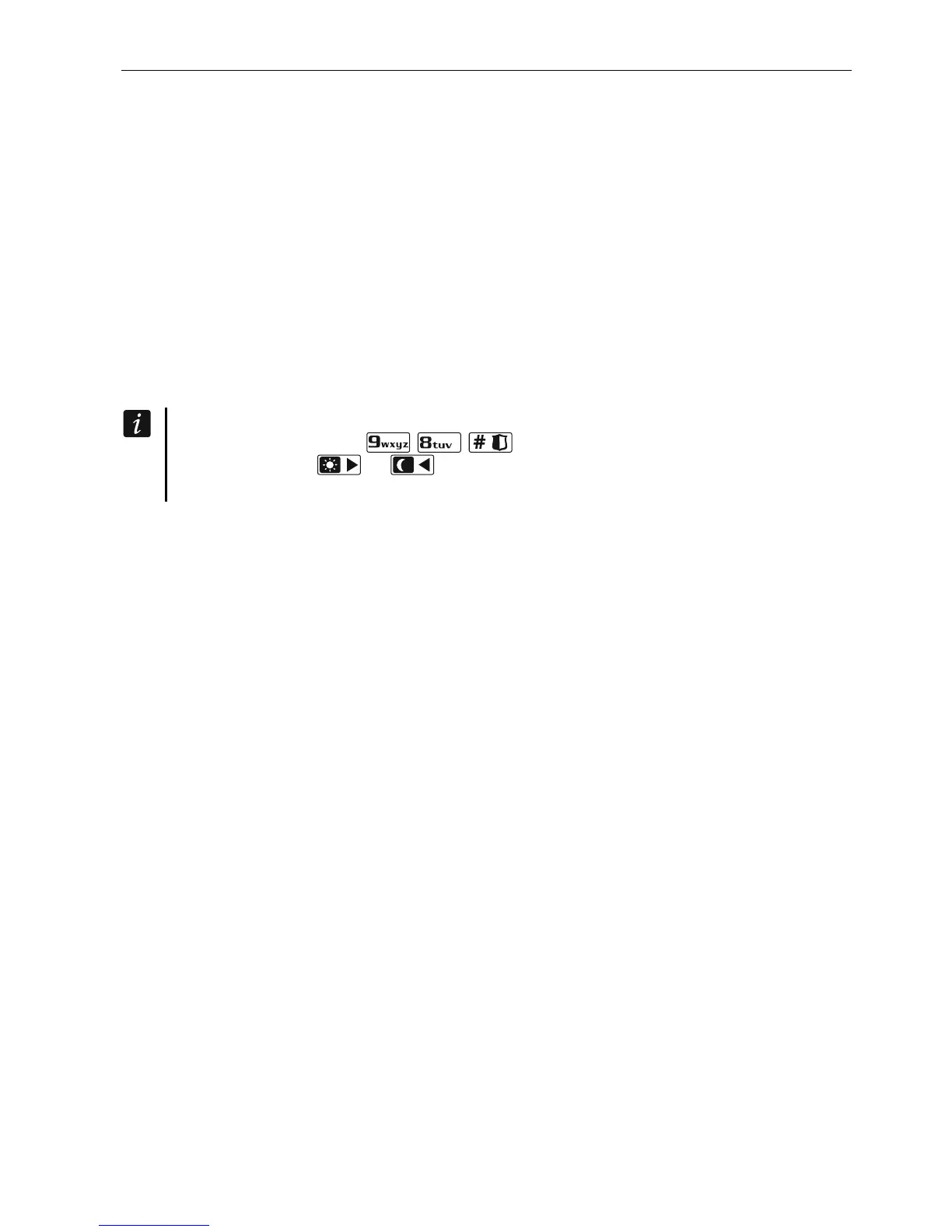
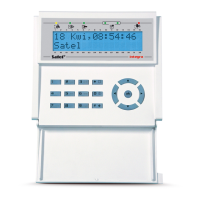
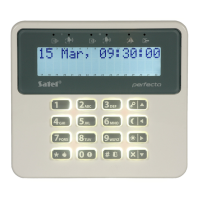
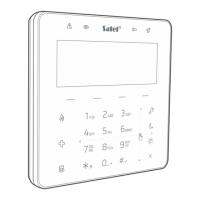
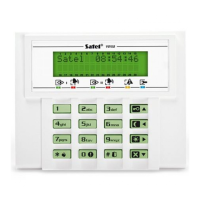
You can check the MAC address and ID number in the LCD keypad. Enter the user
menu and press in turn . Find the ETHM-1 Plus module on the list
and then use the or key to find information on the MAC address and ID
number.





 To Previous Page