Satellic NV • Airport Plaza • Leonardo Da Vincilaan 19 A Bus 4• B-1831 Diegem • support@satellic.be • www.satellic.be
Customer Support: T 00800-72 83 55 42 or • F +32 2 416 02 99
10
II. Supporting Screens
✓ Supporting Screens
A supporting screen is shown as a response to events, status changes or external triggers. The
supporting screens have additional information for the road user and overlay the default screen.
The messages displayed are scrollable if necessary and may have to be confirmed by the road
user.
✓ Supporting Screen – “OBU Locked Screens”
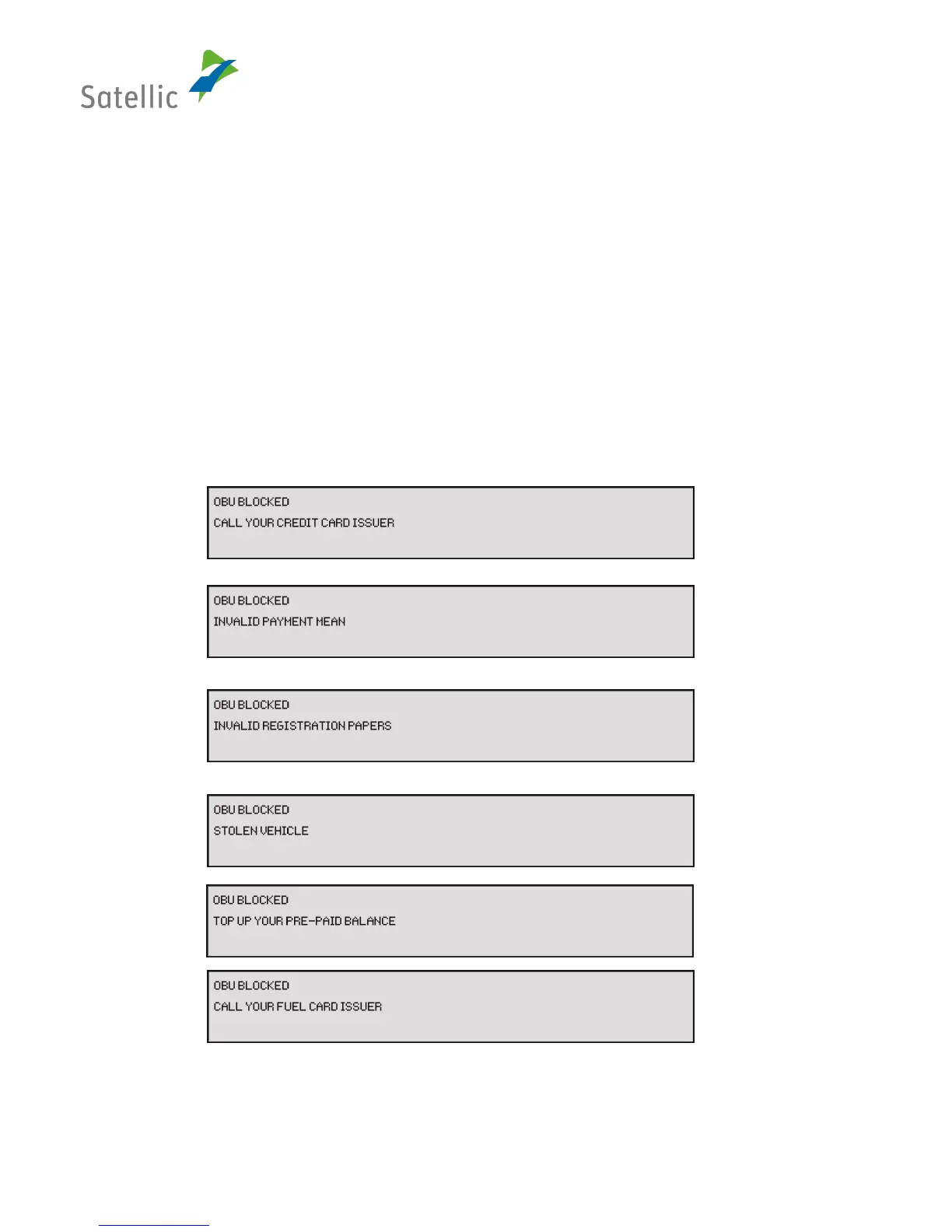
This screen is shown if the OBU is locked for some reason:
The screen shows the following information:
• Line 1: “OBU blocked”
• Line 2: lock reason
Figure 5: Screen "OBU Locked"


 To Next Page