Satellic NV • Airport Plaza • Leonardo Da Vincilaan 19 A Bus 4• B-1831 Diegem • support@satellic.be • www.satellic.be
Customer Support: T 00800-72 83 55 42 or • F +32 2 416 02 99
12
• If your OBU is connected to the cigarette lighter socket of your vehicle:
As of OBU Software version 5.17, the OBU wakes up automatically from sleep mode
without you having first to push a button if a movement of the vehicle is detected.
For OBU Software versions < 5.17, the driver should turn on the OBU manually before
starting his journey: to turn on your OBU, press the “OK” button. Note that the OBU will
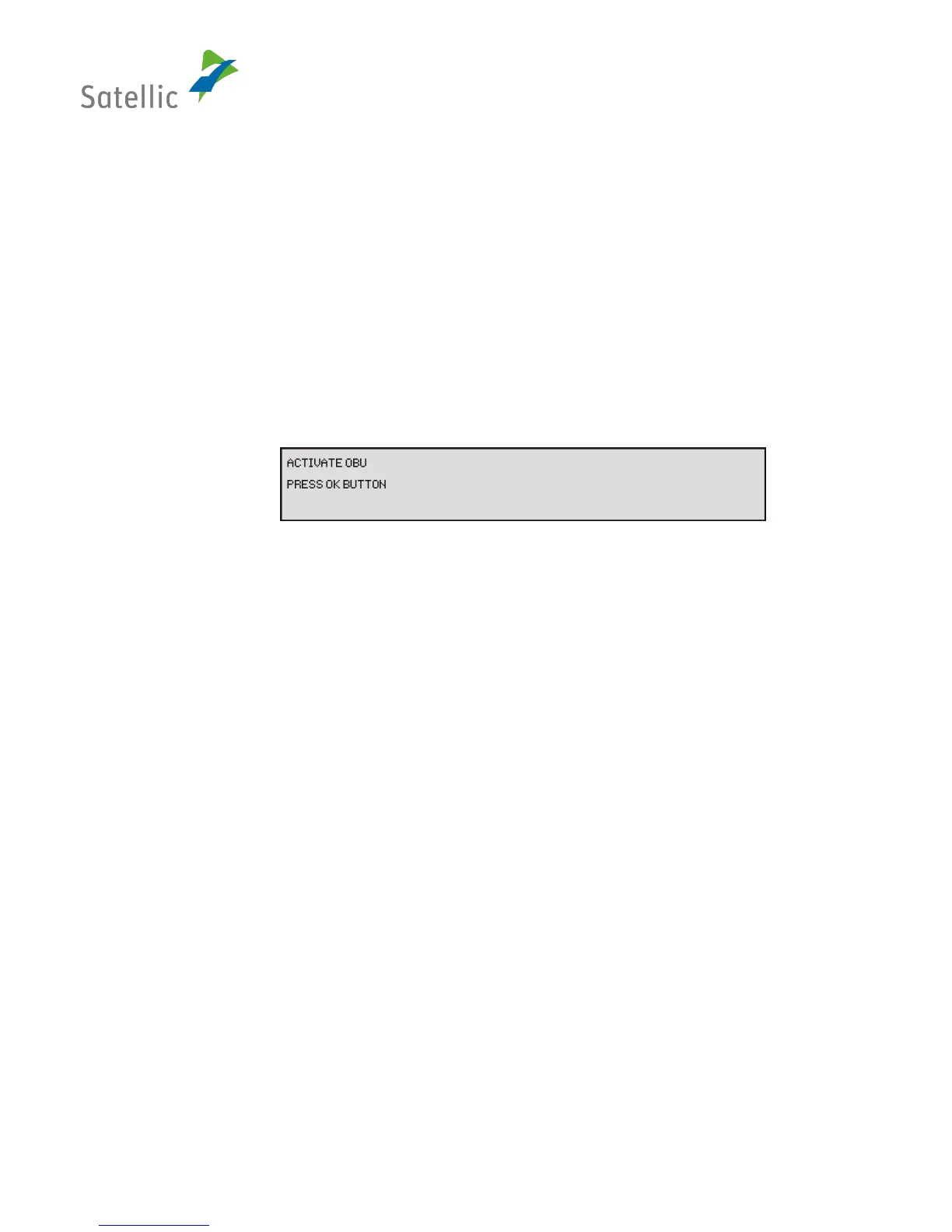
beep to remind you to press the “OK” button. The OBU screen will show the following
information:
• Line 1: “Activate OBU“
• Line 2: “Press OK button”
Figure 8: Screen "Wake-up Movement"
• If your OBU is working on battery power (not connected to the cigarette lighter socket of
your vehicle via the power cable), the driver should turn on the OBU manually before
starting his journey: to turn on your OBU, press the “OK” button. No message will be
displayed.
✓ Supporting Screen – “Error Screen”
Errors are shown by the OBU as a response to internal errors. Error screens can only be overlaid
by menu screens to let the user check OBU data in the menu. All error screens show the
following information:
• Line 1: <error reason>, e.g. „Not ready“
• Line 2: <message text>


 To Next Page