www.satlab.com.se
13
SL900 GNSS RTK System
Note: When the storage space of the receiver is less than 2MB, the red signal lamp will flash quickly and
stop recording. Meanwhile, the existing data files will not be overwritten.
The SL900 receiver file management uses U-Disk storage, plug-and-play, and direct drag-and-drop downloading.
You do not need to download the management software. The SL900 receiver can only download static data by
using the U-Disk mode. It cannot write to the SL900 receiver.
Users can download data through the U-Disk. Use the Mini USB cable when downloading. Connect the receiver
with the computer by using the Mini USB data cable. After the connection, a static drive will appear on the
computer. You can then copy the collected static files by opening the disk.
After downloading, edit the point name and antenna height:
4FMFDU(/4TUBUJDmMFTBOEEPVCMFDMJDLUIFNPVTF
2. The Document Edit dialog box will pop up. Edit the point name and input the antenna height, then click OK.
Note: Static files in the removable disks cannot be deleted directly. You can use the controller software to
do this.
Firmware Upgrade
The receiver uses a 3G network, and the host firmware can be automatically upgraded through the network
QMFBTFSFGFSUPUIF4BUTVSWTPGUXBSFHVJEF5IFVTFSDBOBMTPDIPPTFUPNBOVBMMZVQHSBEFCZVTJOHUIF6%JTL
The two steps to upgrading the firmware by USB cable are:
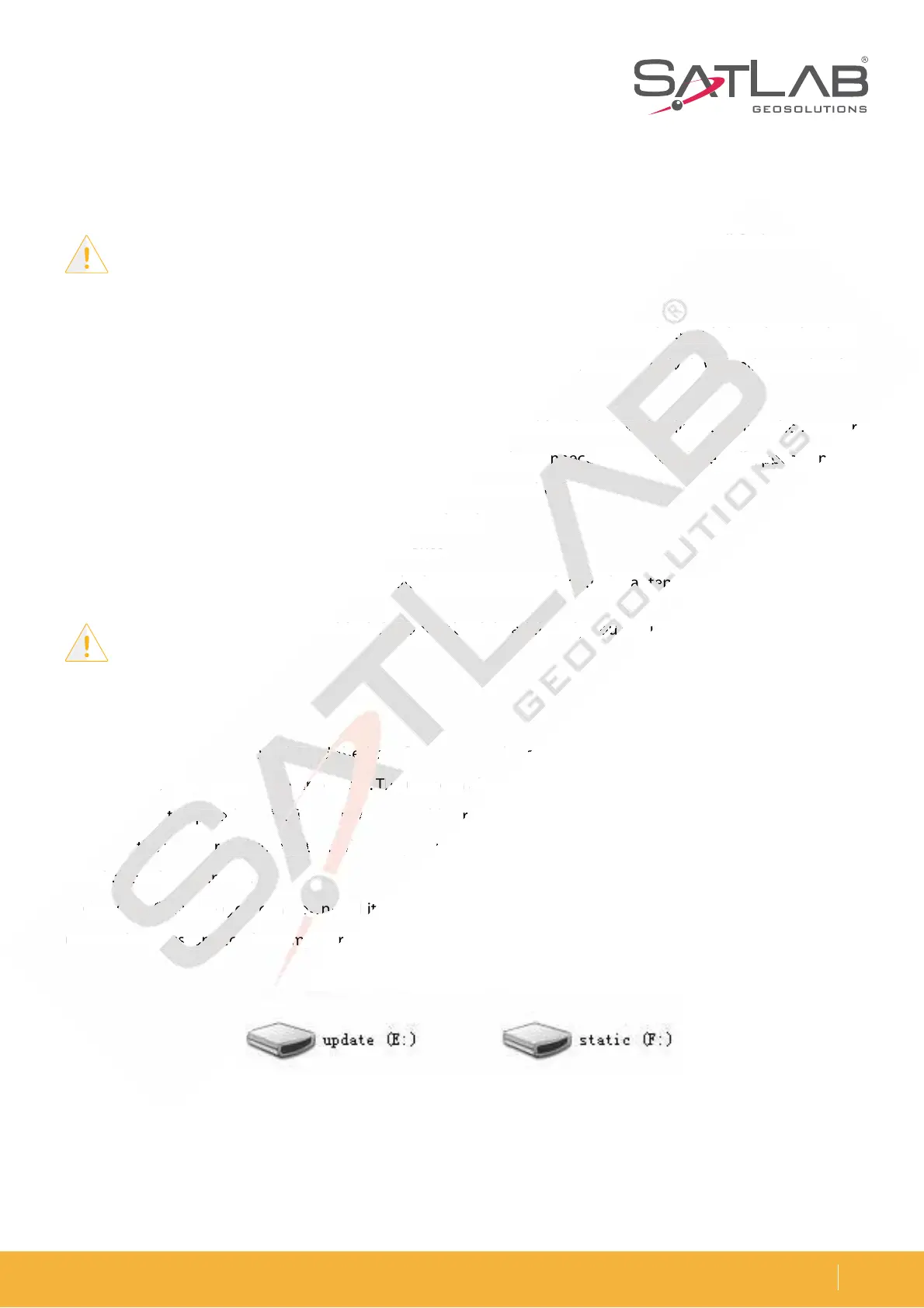
1. Turn on the receiver and connect it to the computer with the cable attached. It will show the update drive when
you click on the computer.
$PQZUIFmSNXBSFZPVDBOEPXOMPBEJUGSPNPVSPöDJBMXFCTJUFPSHFUJUGSPNUIFUFDIOJDBMUFBNUPUIF
update drive. Disconnect the computer and receiver, and then restart the receiver.
Figure 2-4 Update drive
F 4
UT
SW
GU
HV
u



 To Next Page