www.satlab.com.se
32
SL900 GNSS RTK System
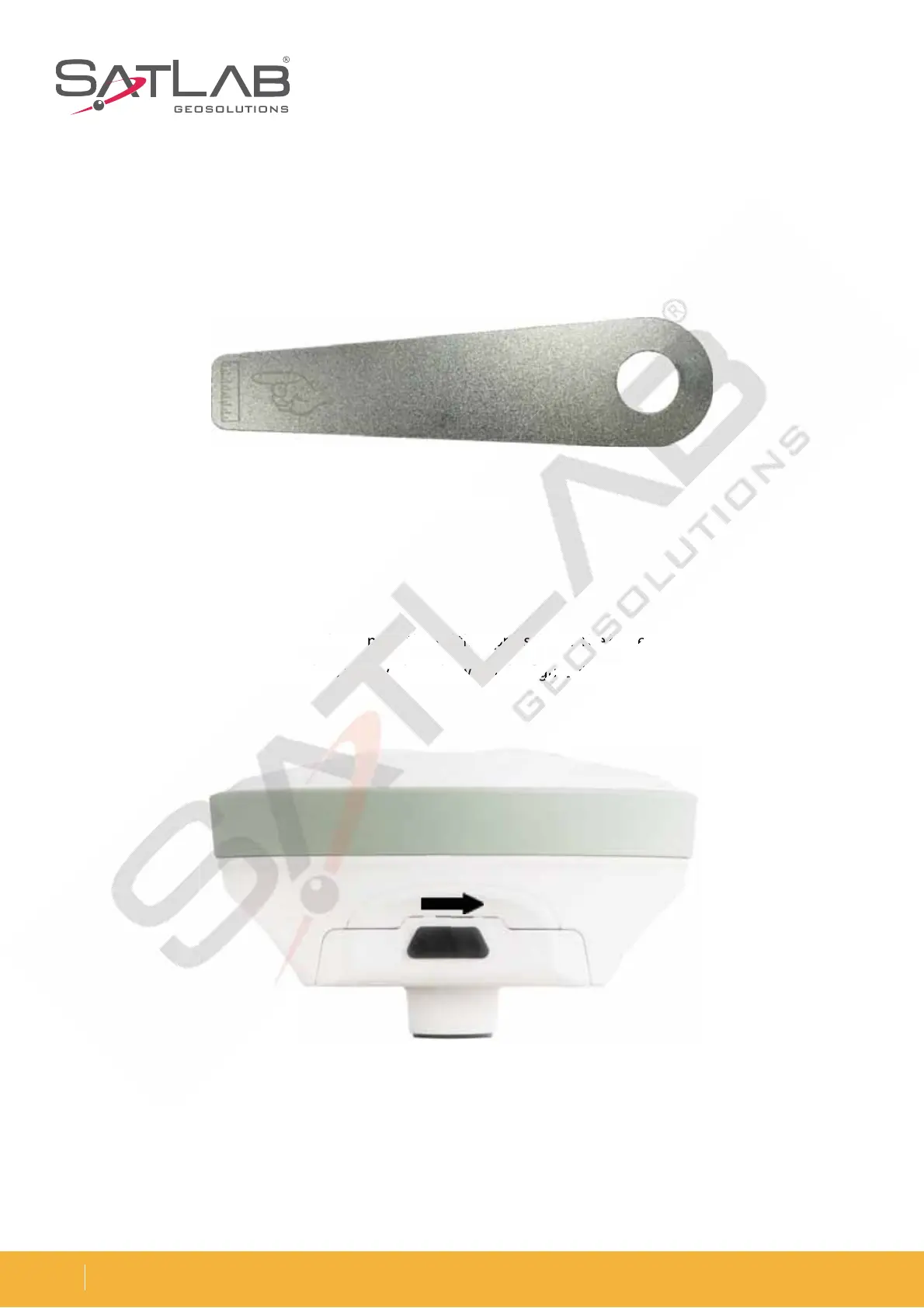
Figure 5-6 Benchmark
Figure 5-8 Unload
Gently push the battery in the direction that is marked ‘Close’ and complete the installation.
Benchmark
The benchmark is used to measure the height of the instrument.
Battery & Charger
Steps to install and unload the battery:
1. Installation: Press the battery cover button gently and then press down. The battery cover can be lifted upwards.
The battery cover and battery are then removed, as shown in the figure. Push to the right to unlock it and to the
left to lock it.



 To Next Page