www.satlab.com.se
15
SL900 GNSS RTK System
This section provides a Quick Start guide to operating the SL900 with Satsurv.
Create a Project
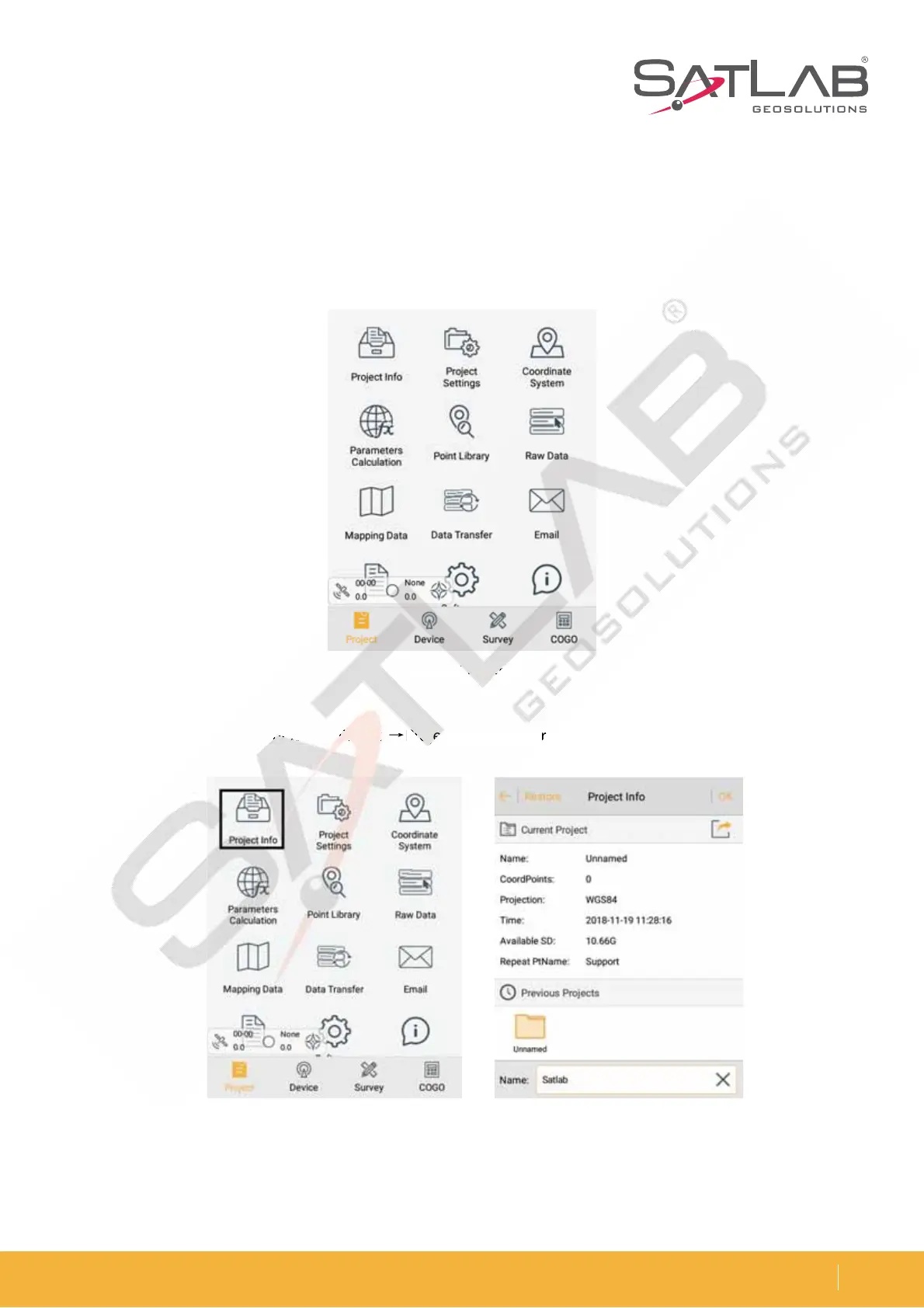
1. Open the Satsurv software. The software main interface is as follows:
Figure 3-1 Main interface
Figure 3-2 Project info Figure 3-3 New project
2. Create a new project, and then click ProjectėProject Info to enter the project name and click OK.
Figure 3-
in
e



 To Next Page