THE PROF E SSI O NAL E QU I PME N T-- - --- - --- - --- - --- | U SER ’S MANU AL| THE PROF E SSI O NAL E QU I PME N T-- - --- - --- - --- - --- | U SER ’S MANU AL|
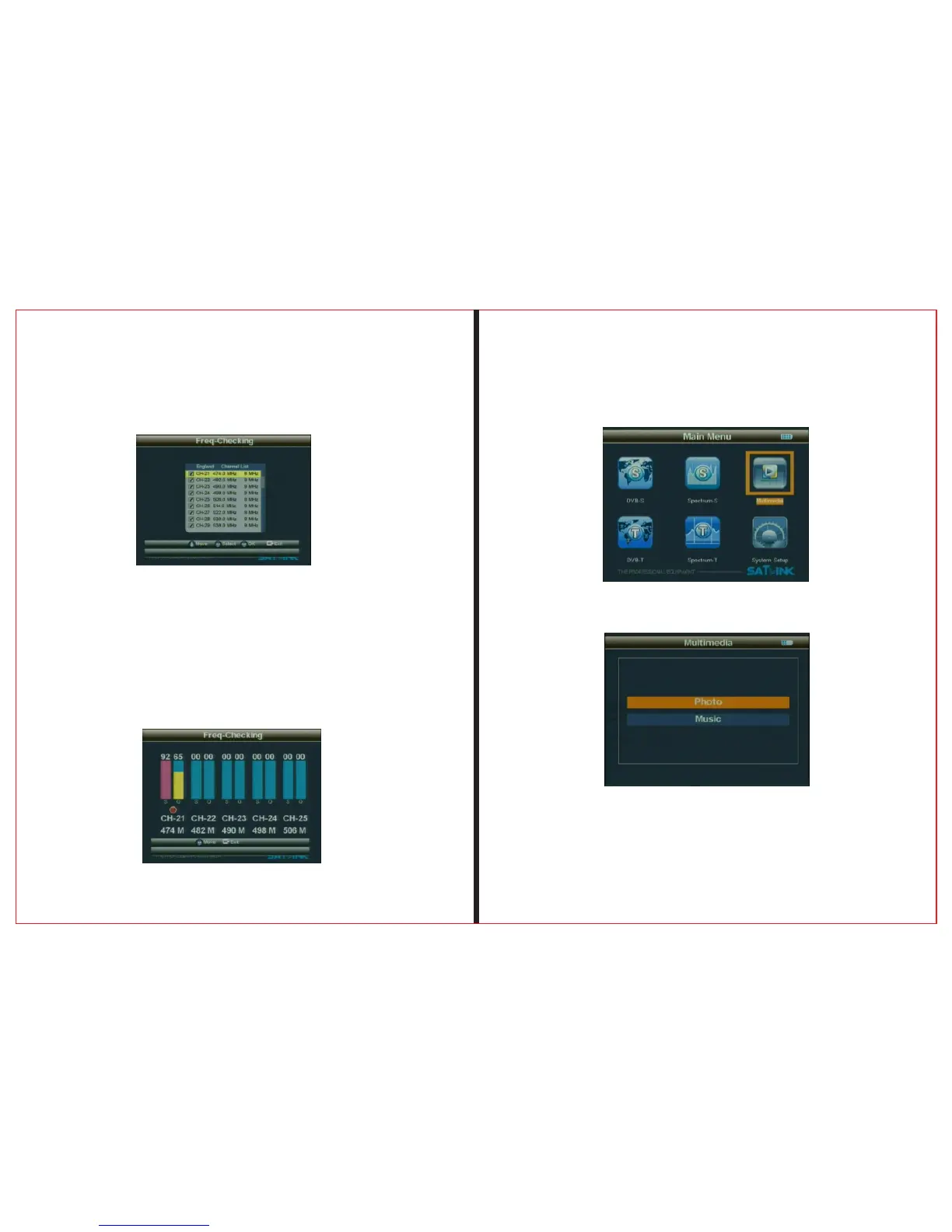
2.2.2.1 Move
Press ▲▼ button to move Cursor
2.2.2.2Select
Press ◄ ►button to local channel, and tick the box to select it.
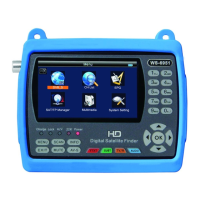
2.2.2.3
Press OK button to enter into multichannel display.
Each screen display signal indicators of five channels, and
press ◄ ► button to PGUP or PGDOWN.
Signal Finder Professional Combo| 21
20 | Signal Finder Professional Combo
2.3 Multimedia
2.2.2Freq-Checking


 To Next Page