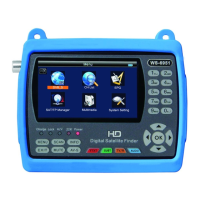
1.GUIDE
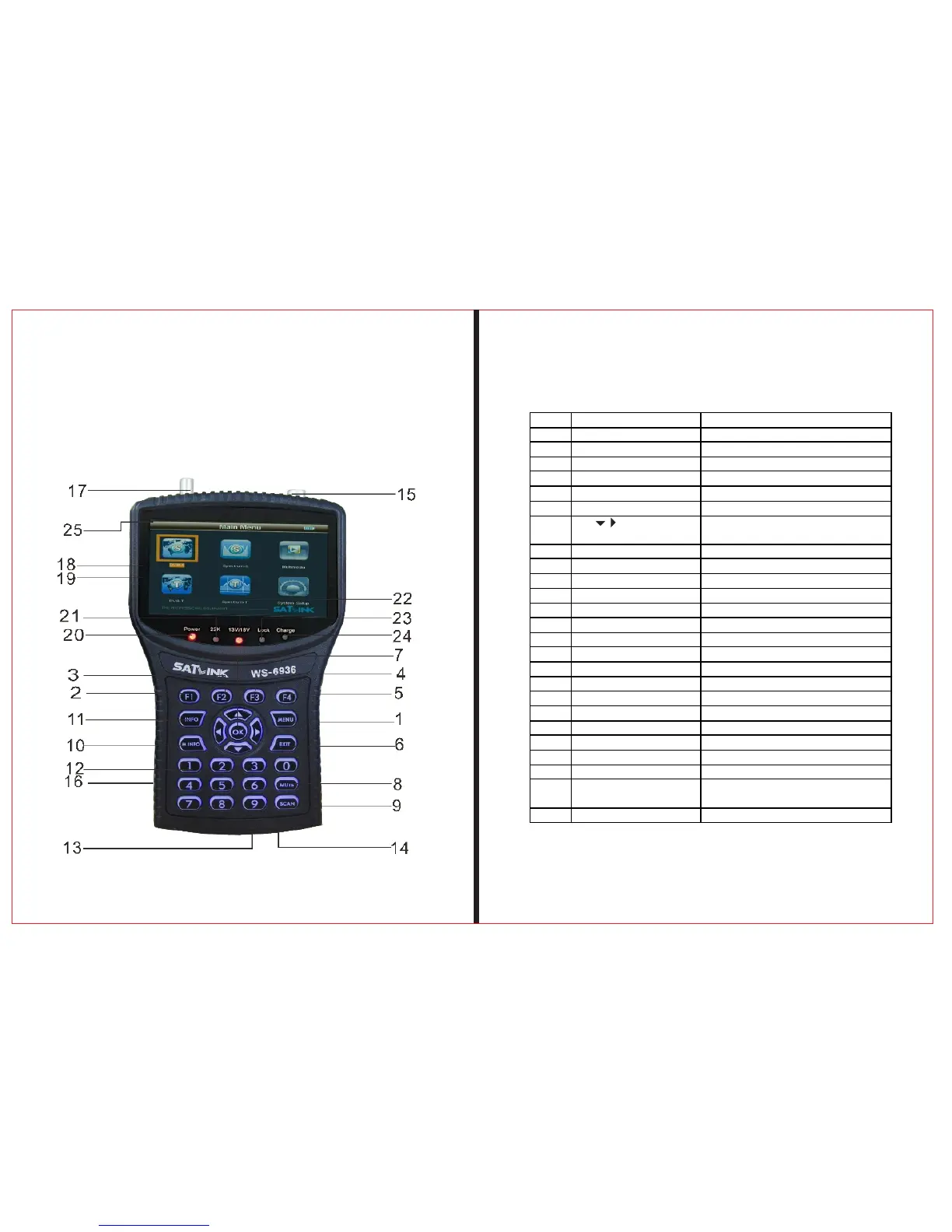
1.1Face Panel & Button
THE PROF E SSI O NAL E QU I PME N T-- - --- - --- - --- - --- | U SER ’S MANU AL| THE PROF E SSI O NAL E QU I PME N T-- - --- - --- - --- - --- | U SER ’S MANU AL|
Signal Finder Professional Combo| 3
2 | Signal Finder Professional Combo
NO. Name Function
1 MENU To show main menu or return to previous menu
2 F1 Function Button
3 F2 Function Button
4 F3 Function Button
5 F4 Function Button
6 EXIT To cancel selection or exit from current menu
7 ▲▼ OK Arrow for Cursor Moving
OK for Confirming
8 Mute Sound On/Off Switching
9 SCAN Quick search for DVB-S
10 M.INFO Show 5 channels signal information for DVB-T
11 INFO Show information of current program
12 0-9 Numerical Button To input numer for setting parameters
13 Power Connection port Port for power charging
14 USB Port Port for Upgrading or connecting to multimedia
15 Antenna IN Connectin g to the antenna for DVB-T
16 Power Switch Power Switch for machine power
17 LNB IN Connectin g to the dish for DVB-S
18 AV OUT AV OUT
19 AV IN AV IN
20 Power Indicator Light The light is on when meter is turned on
21 22K Switch Indicator Light 22K Switch is on when it lights
22 13/18V Indicator Light To show H/V switch output
23 Signal Lock Indicator Light Locked signal when it lights
24 Charging Indicator Light The light is on when it’s charging and
off when charging is completed.
25 Flashlight holes flashlight


 To Next Page