THE PROF E SSI O NAL E QU I PME N T-- - --- - --- - --- - --- | U SER ’S MANU AL| THE PROF E SSI O NAL E QU I PME N T-- - --- - --- - --- - --- | U SER ’S MANU AL|
Signal Finder Professional Combo| 31
30 | Signal Finder Professional Combo
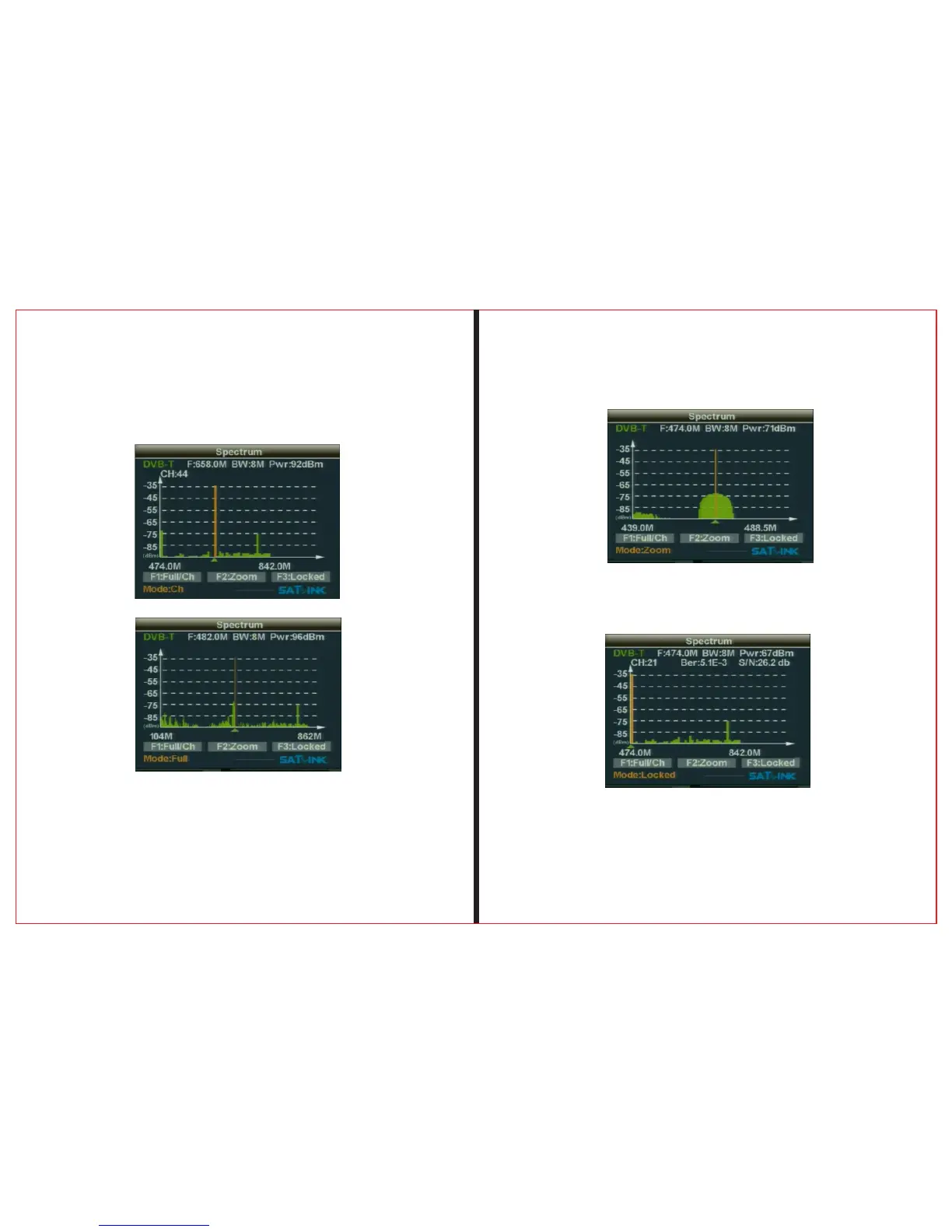
2.6.1 Press F1, choose DVB-T whole paragraph frequency
scanning or choose the country's current channel scanning
2.6.2 Press F2, display to be selected as the center
frequency 50MHz bandwith for the spectrum
2.6.3 Press F3 , lock selected frequency , and
displays the frequency' spectrum of indicators


 To Next Page