THE PROF E SSI O NAL E QU I PME N T-- - --- - --- - --- - --- | U SER ’S MANU AL| THE PROF E SSI O NAL E QU I PME N T-- - --- - --- - --- - --- | U SER ’S MANU AL|
Signal Finder Professional Combo| 35
34 | Signal Finder Professional Combo
The mark with “ ”is the opitional functional item.
2.7.5 Press “F4” button to enter the Sub-menu when it's
playing programs, and make operations according to its
instructions.
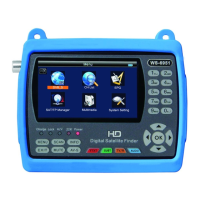
2.7.6 press INFO keyboard, show the current program
information
2.7.7 Under DVB-T status, press M.INFO keyboard, enter
Freq-checking menue
2.7.8 press MUTE keyboard , enter mute status.
2.7.9press Scan keyboard, enter QUICK SEARCH , and
And restore the default database.
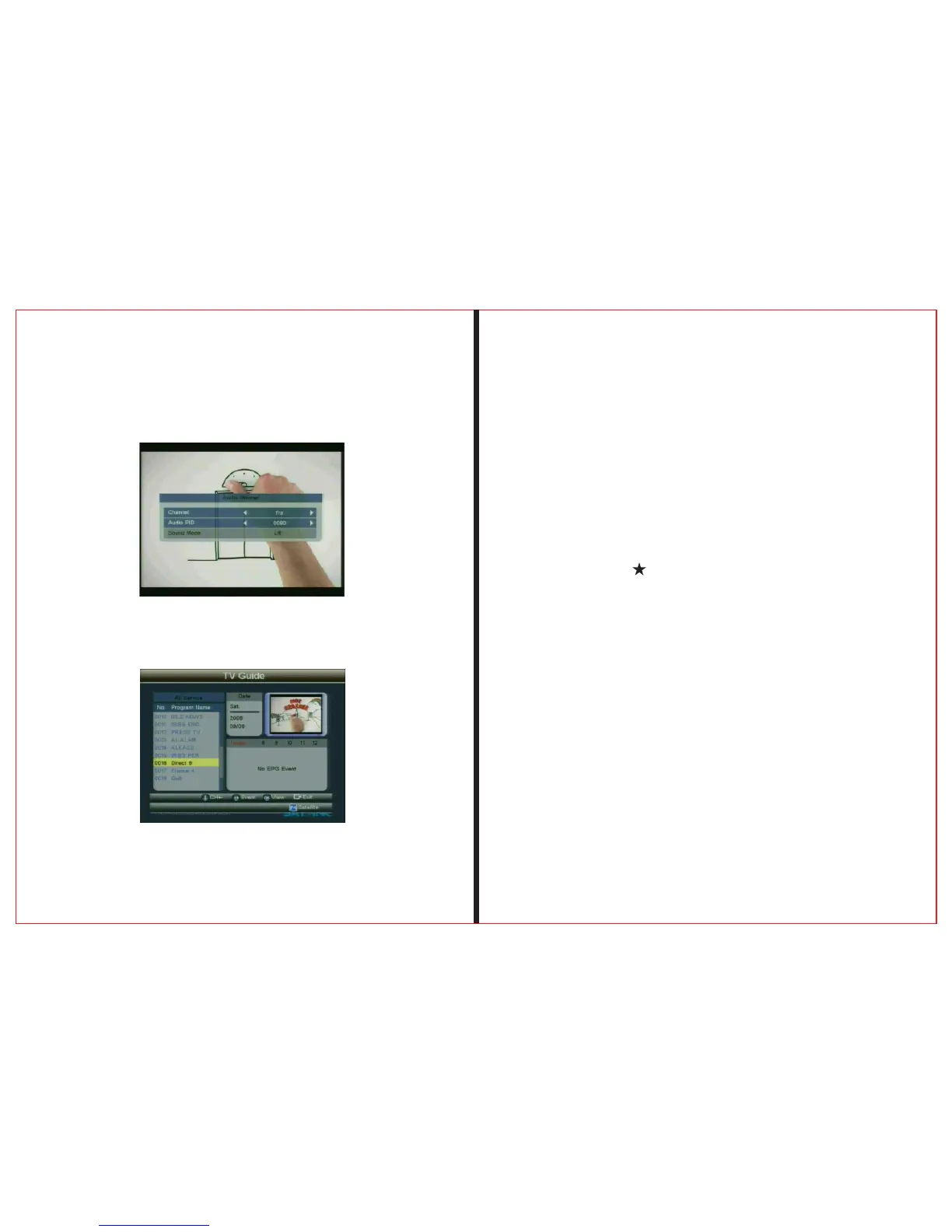
2.7.4 Press “F3” button to enter the Sub-menu for
Audio Channel, to change Audio PID and Sound mode.


 To Next Page