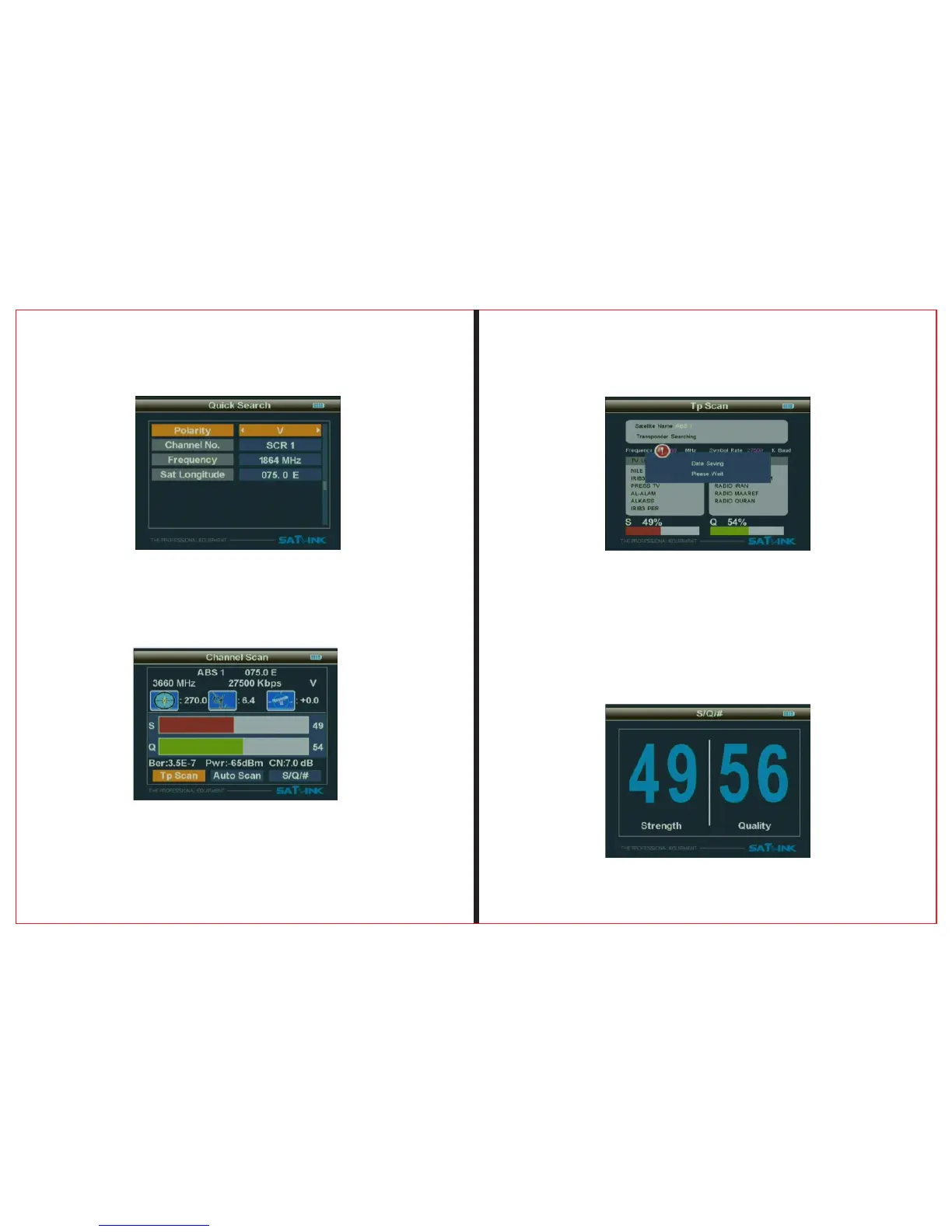
2.1.1.10TP Scan
Scan all programs of the current frequency, and
automatically store them after scanning, and then
return back to the previous menu.
2.1.1.11 Scan All
Scan all programs of all channels, and automatically store
them after scanning, and then return back to theprevious
menu.
THE PROF E SSI O NAL E QU I PME N T-- - --- - --- - --- - --- | U SER ’S MANU AL| THE PROF E SSI O NAL E QU I PME N T-- - --- - --- - --- - --- | U SER ’S MANU AL|
2.1.1.9 Set parameters, and press “OK” button to enter
the Sub-menu, and then adjust the dish according to the
interface parameters.
2.1.1.12 S/Q/#
Use ◄ ► button to select S/Q/#, and press “OK”
button to enter the Sub-menu, and then adjust the dish to
the best direction.
Signal Finder Professional Combo| 9
8| Signal Finder Professional Combo
2.1.1.8 Longitude
Use the numerical button to input Longitude of Satellite


 To Next Page