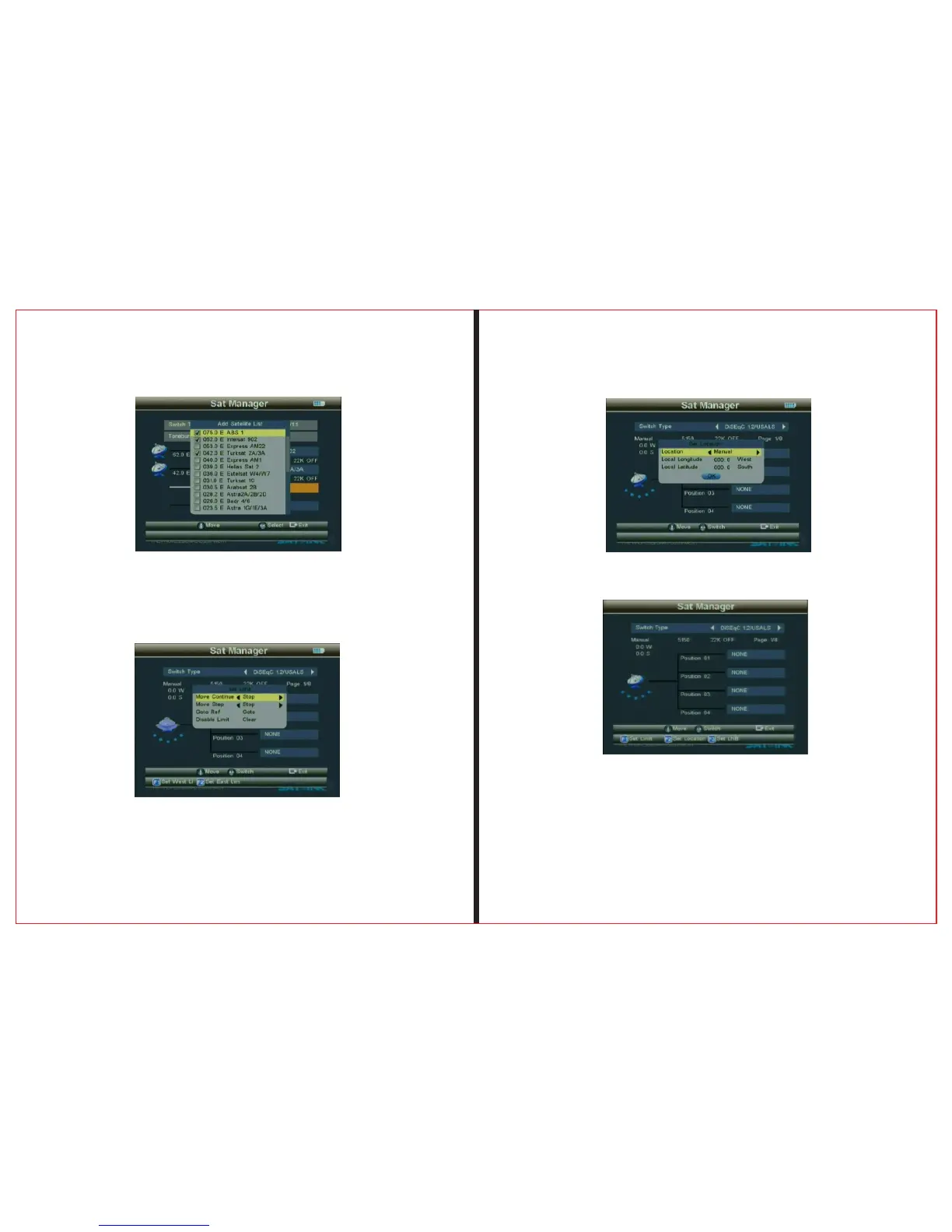
Press OK to finish setting DiSEqC1.0/1.1
THE PROF E SSI O NAL E QU I PME N T-- - --- - --- - --- - --- | U SER ’S MANU AL| THE PROF E SSI O NAL E QU I PME N T-- - --- - --- - --- - --- | U SER ’S MANU AL|
Signal Finder Professional Combo| 13
12 | Signal Finder Professional Combo
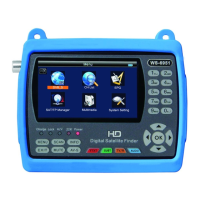
2、DiSEqC 1.2/USALS。
Press “F1” button to enter the Sub-Menu,and then make
operations according to the instructions ,Edit parameter。
Press “F2” button to enter the Sub-Menu,and then make
operations according to the instructions ,Edit parameter。
Use ▲▼ button to select Postion 01/Postion 02/Postion 03/
Postion 04


 To Next Page