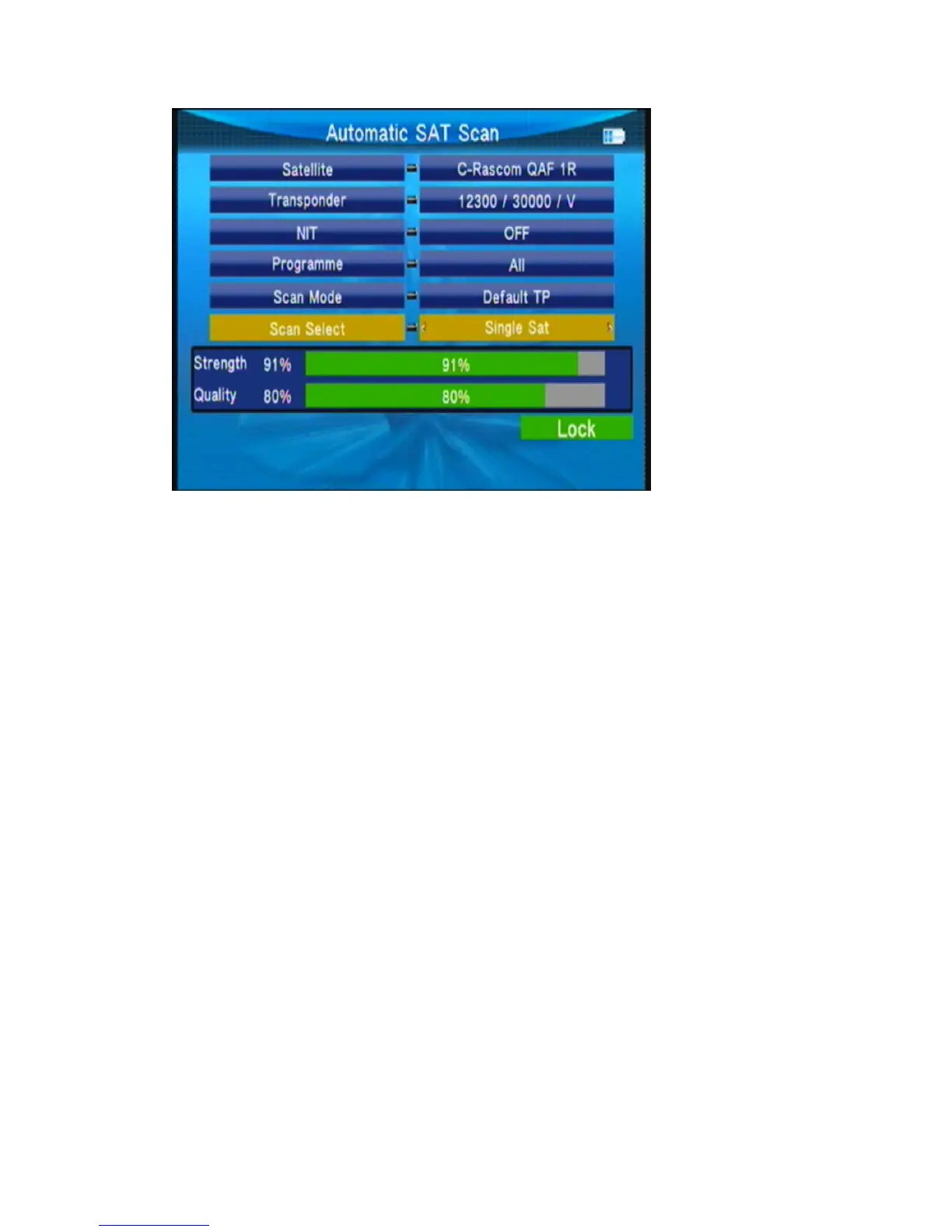
○ Satellite:Press◄►keyintothesatellit elist.Use▲▼keytomovethecursor,thenpressOK
keytoselectthesatelliteofyouwant.
○ Transponder: press◄►keyintotheTPlist.Use▲▼keytomovethecursor,thenpressOK
keytoselectthesatelliteofyouwant.
○ NIT: press◄►key to switch network searcher on/off
○ Program: TV search type ALL/FTA
○ Scan Mode: scan mode select, we can select Default TP / One TP/Blind.
○ Scan Select: scan all satellites of selected or the current satellite.
3.4.3 Transponder
IntheSat/TpManagersubmenu,selectAutoScanintoTransponder.



 To Next Page