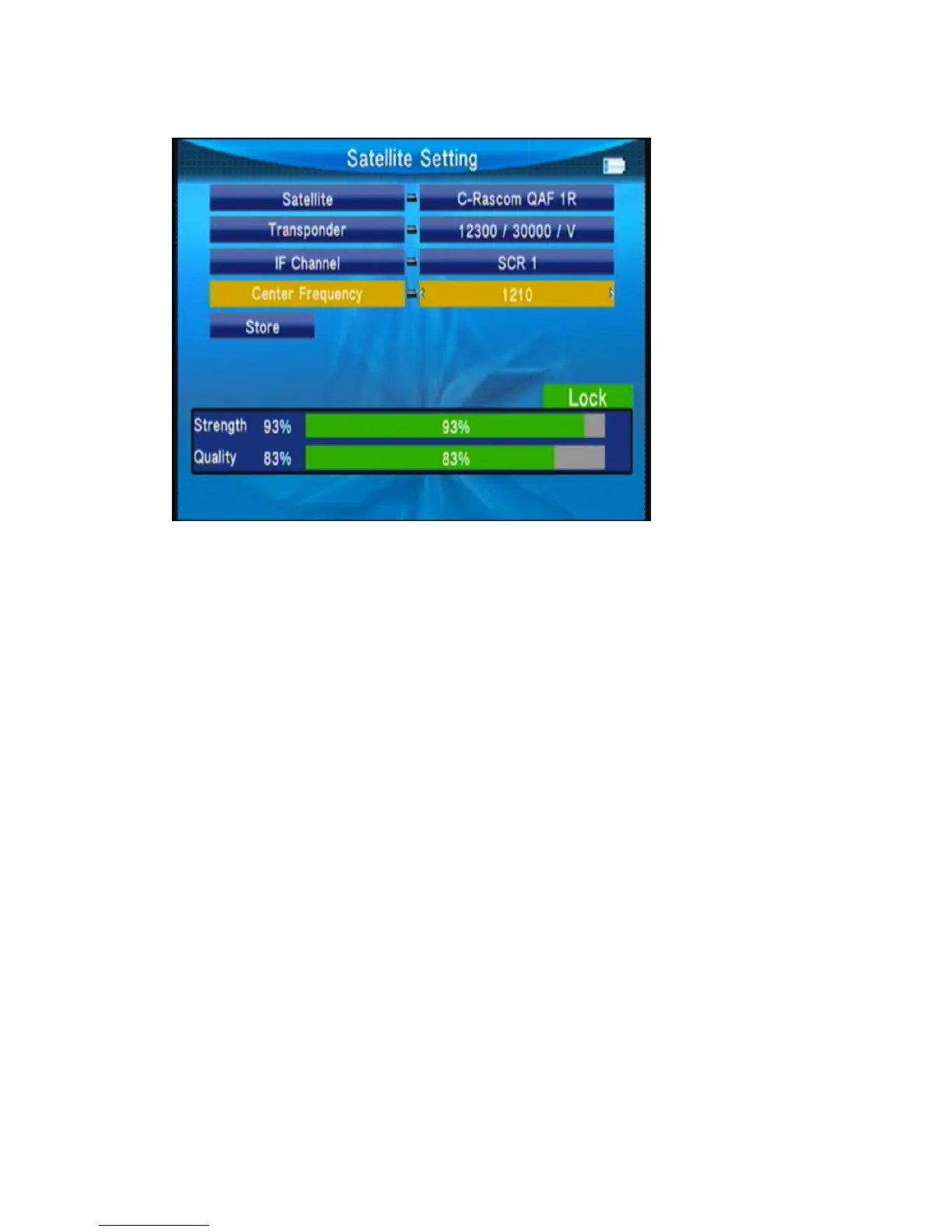
8, Unicable: Press◄► key to select Unicalbe then press OK key into the Unicable setting.
Transponder: press◄► key to change the current TP.
IF Channel: press◄► key to change SCR channel.
Center Frequency: use value key to input number.
Store: store the setting.
3.4.2 Auto Scan
IntheSat/TpManagersubmenu,selectAutoScanintoAutomaticSATScan.



 To Next Page