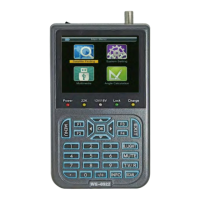
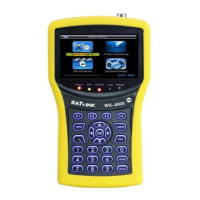
■SupportsscanofAuto,Blind,ManualorNIT
■SoundandLightAlarmforLockingSignal
■AutoCalculateAngleofAZ,EL
■SupportsDISEQC1.0/1.1/1.2,0/22khzTone
■SpeakerIntegrated
■SupportbothAVoutandAVin
■LNBshortprotect
■7.4V/3000mAhLi‐IonBatteryIncluded
■SoftwareupgradeviaUSBport
■Easytocarry
3. THE MENU OSD INSTRUCTION
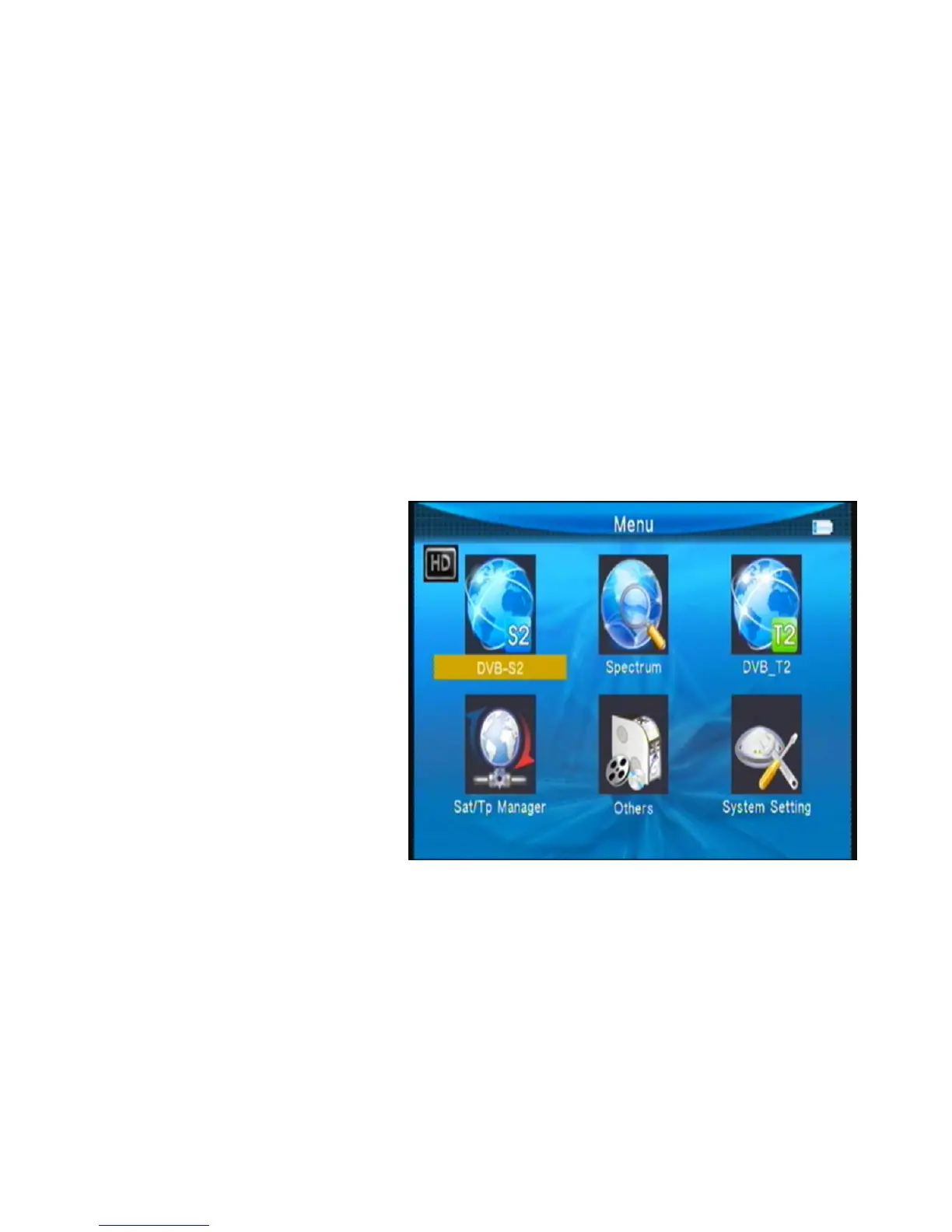
Ifyouhaveinstalledandconnectedthecablesofthemeter,pressingMENUkeytodisplaythe
MainMenu.
■DVB‐S2
■Spectrum
■DVB‐T2
■Sat/TPManage
■Others
■SystemSetting
Pressthekeysof▲▼◄►tomove
thecursorupordowninthemenu
interface,thenuseOKkeyto
confirmaselection.
3.1 DVB-S2
SelectDVB‐S2,thenpressokkeyintothesatelliteFind.


 To Next Page