RDT724 F002/F022
P100002032 003 A 5/6
D: Operation (User)
D1: Enter date and time
see section C2.
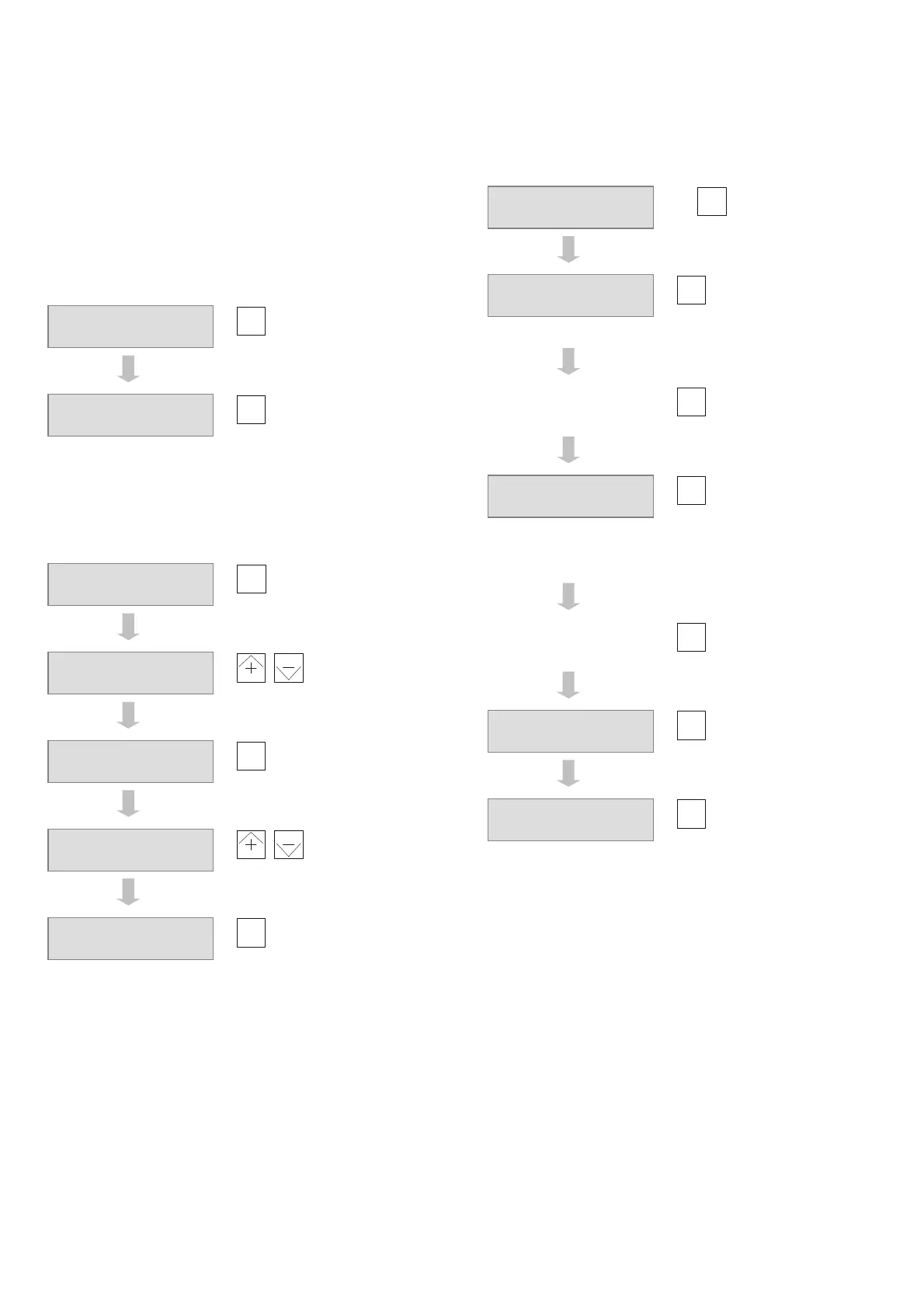
D2: View setpoints and actual values
If necessary, press
menu
and
–
at the same time to go to
the basic display in the user level.
Show next pair of
setpoints and actual
values
Show next pair of
setpoints and actual
values
…etc..
D3: Adjust setpoints
Press
menu
and
–
at the same time to return to the basic
display in the user level.
Show setpoint 1
(temperature for
normal mode)
,
Change setpoint
Show setpoint 2
(temperature for
reduced mode)
,
Change setpoint
Show next setpoint
… etc.
D4: View input and output signals
If necessary, press
menu
and
–
at the same time to go to
the basic display in the user level.
2 x
Show measured
value for first
assigned analogue
input
… etc.
Show measured
value for next
assigned analogue
input
Show value for first
assigned analogue
output
Show measured
value for next
assigned analogue
output
…etc.
Show status of
assigned digital
inputs (
contact
open;
contact
closed)
Show status of first
assigned relay
outputs (
relay
open;
relay closed)
Show status of next
assigned relay
outputs
… etc..
Press
menu
and
–
at the same time to return to the basic
display in the user level.
Setpoint 20.0°C
Act. val. 17.3°C
Setp sup 23.0°C
A val. su 18.4°C
Setpoint 20.0°C
Act. val. 17.3°C
D111:Setpoint 1
20.0°C
D111:Setpoint 1
21.5°C
D112:Setpoint 2
15.0°C
D112:Setpoint 2
14.8°C
Setpoint 20.0°C
Act. val. 17.3°C
D201:Input E1
17.3°C
D211:Output Y1
100.0%x0.1V
D223:Input digit
D1 D2
D228:Relay
R3 R4



 To Next Page