SAVI Dual™ Migraine Therapy Instructions for Use 18
Understanding System Display Messages
If your device displays one of the following images, please take the steps listed to clear the message.
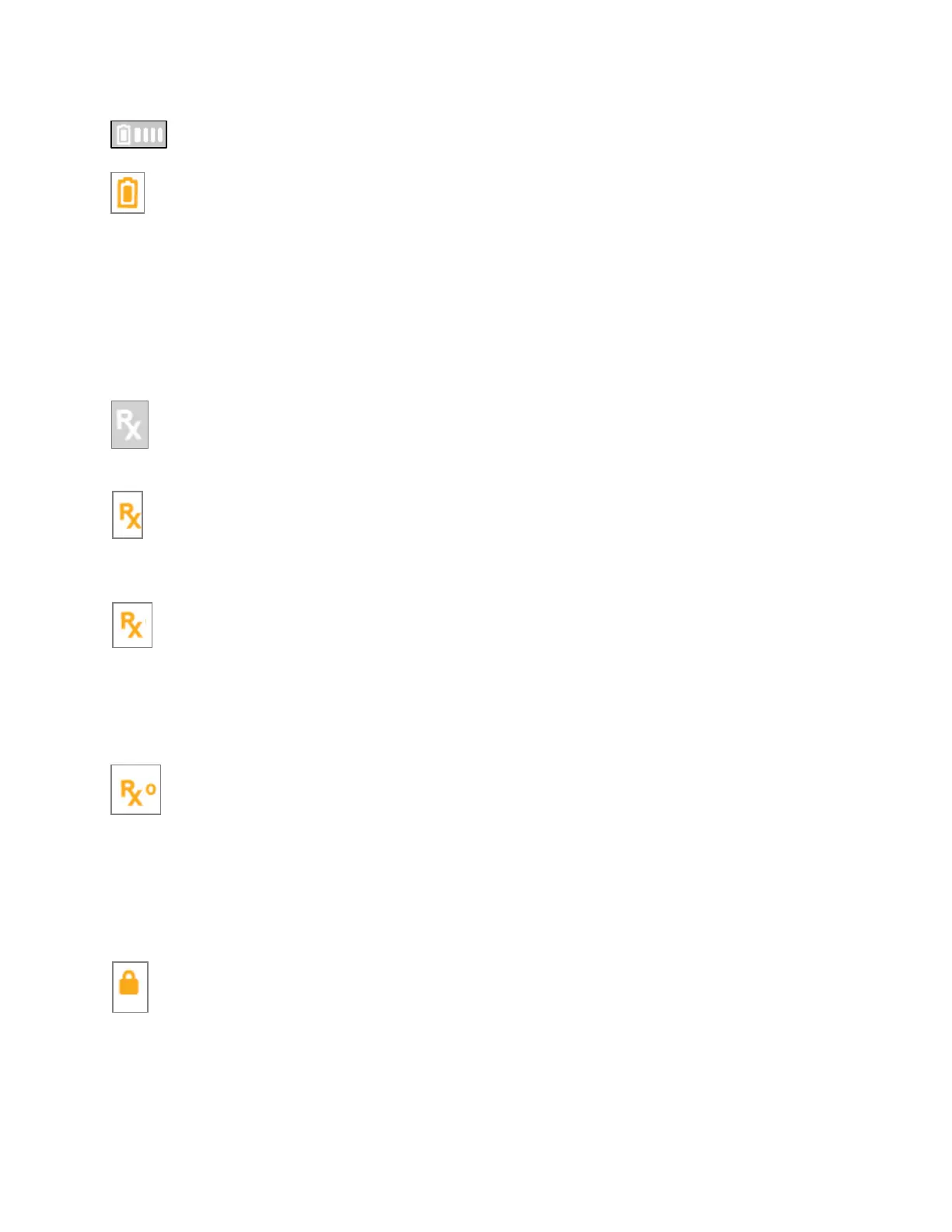
White Battery symbol with 4 bars indicates the charge is full
Orange Battery symbol indicates the battery charge is low
The rechargeable battery charge is low. There is only enough power to deliver approximately 10
treatments so charge the battery at your earliest convenience.
Charge the battery for at least 15 minutes. To fully charge the battery, allow the device to charge for
about 4 hours.
If the problem persists, check that only the eNeura battery charger (DWG-0505) is in use. Check that the
battery icon on the display is lit to show it is charging.
If the problem persists, contact eNeura Customer Care for help.
Rx symbol (WHITE) indicates an active prescription
If the Rx symbol is white, the installed prescription is valid and active.
Rx symbol (ORANGE) indicates the prescription expires in less than 15 days
If the Rx symbol is orange, please contact eNeura Customer Care to order a new prescription refill. An
active prescription is required.
Rx symbol (ORANGE and pulsing) indicates an invalid micro-SIM card has been installed
If you have a micro-SIM Rx card installed in the device and the Rx symbol is orange and pusling, the SIM
cannot be read by your device and may be invalid.
Turn off the device, remove and reinstall the micro-SIM Rx card.
If the issue persists, contact eNeura Customer Care for assistance.
Rx0 symbol (ORANGE) indicates your prescription expired
The prescription installed in the device has expired and can no longer be used. Each prescription is valid
for a specific date range based on the prescription issued by your doctor.
If you need a new prescription, contact eNeura Customer Care to order a refill. An active prescription is
required. eNeura can contact your physician if a renewal prescription is required. eNeura can contact
your physician if a renewal prescription is required.
Security Lock Enabled
The security lock is enabled, and the device is non-operable. To unlock the device and make the device
operable, slide the lock switch to the “off” position. The lock switch is located behind the accessory-port
door.
When enabled, the security lock places the System into Airplane Mode and will prevent cellular
transmissions from the device.



 To Next Page