SAVI Dual™ Migraine Therapy Instructions for Use 19
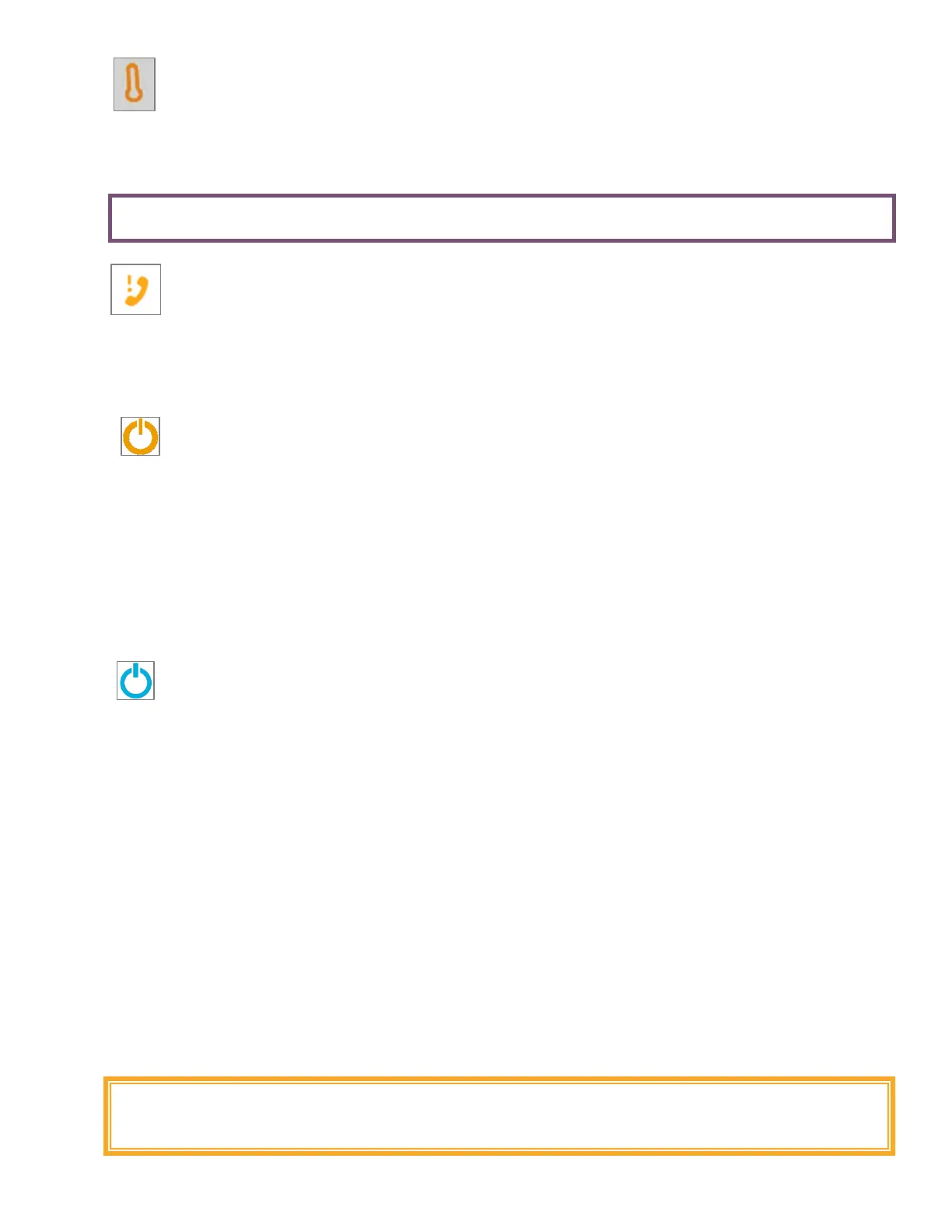
Device temperature not in operating range
The device does not operate when its temperature is below 16°C (60°F) or above 40°C (104°F). Move the
device to a more temperate environment, such as inside your home or office, and wait 15 minutes. Try
again.
• Precaution: Do NOT actively heat or cool your SAVI Dual in any way.
Service needed - Contact eNeura Customer Care
If this symbol appears with the Prescription low or expired symbol, contact Customer Care to renew or
refill your prescription: +1-833-499-9300, option 1
Otherwise, this symbol means service is needed and the device will not deliver treatment. Contact
Customer Care for assistance.
Treatment not allowed (ORANGE power button)
If this symbol appears with the Prescription Expired, Device Locked, Battery Low, Charger Connected or
other symbols, then the device will prohibit treatment until the other system messages are cleared. Clear
these symbols. Restart the device.
Contact eNeura Customer Care for help if ONLY the ORANGE power button is illuminated or if it is
presented with the “Service needed” symbol.
If treatment is not allowed due to a device failure, an expired or invalid prescription, or temperature out
of range condition, then, after 30 seconds of inactivity, the device will attempt to connect to a cellular
network, transfer data and power off. During data transfer, the power button indicator will pulse blue.
Device connecting to a cellular network (BLUE and pulsing power button)
This symbol appears when the device is connecting to a cellular network to upload treatment history to
your SAVI Smart Diary™ or download a new Rx. The device will automatically shut down after it has
completed the connection.
While the power button is lit Blue place the device on a flat surface at least 8 inches (20 cm) away from
you, other people and electronic equipment.
Troubleshooting
None of the device indicator lights are on
The device may not be powered on. Press the power button for at least one second.
The battery may be completely discharged. Plug in the battery charger to charge the battery for at least 15
minutes. Be sure that only the eNeura battery charger (DWG-0505) is being used. When you plug in the
battery charger, the display should light. Check that the battery icon on the display is lit to indicate that the
battery is charging.
If the problem persists, contact eNeura Customer Care for assistance.
WARNING: There are no user serviceable parts inside. Do not attempt to open the
device, as it could expose user to hazardous voltages. Do not try to modify the unit
in any way.



 To Next Page