9
RT-LFT/RT-DCB OWNER’S MANUAL
11
12
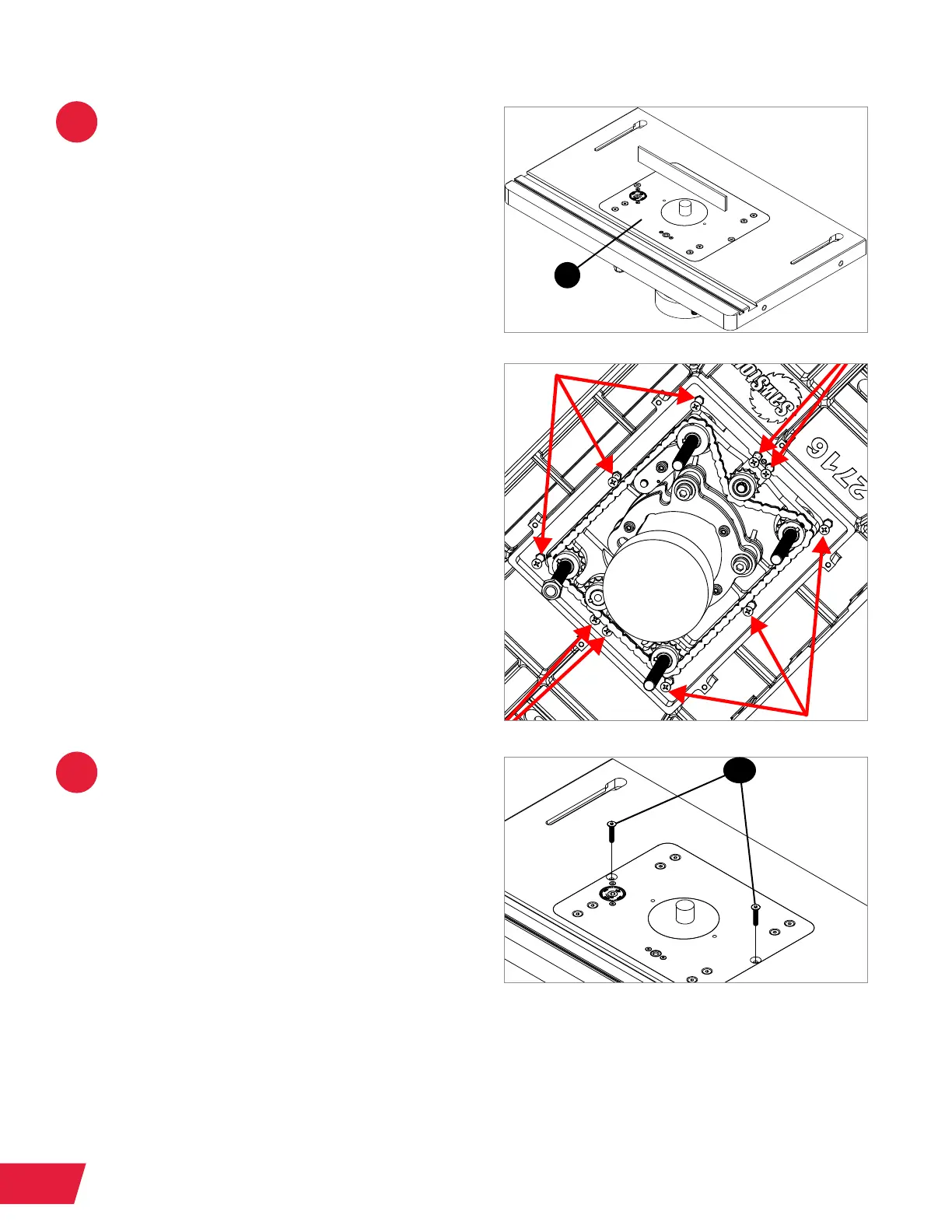
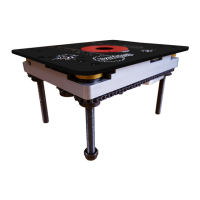
Lay a straight edge across the router
table top so that it extends over the
top of the aluminum router plate (1.2).
Use a Phillips screwdriver to adjust
the leveling screws in the router table,
indicated by the red arrows, until the
aluminum router plate is ush with the
router table top. Check all four edges of
the aluminum router plate. If necessary,
use a 10mm wrench to loosen the hex
nuts securing the leveling screws in
the router table. Retighten the hex nuts
when you have nished leveling the
aluminum router plate.
If you have a Downdraft Dust Collection
Box (RT-DCB) installed, you can access
the underside of your router table by
opening the router access door in
the box.
Once the aluminum router plate is ush
with the router table top, thread a at
head socket screw (1.13) into each
of the exposed holes on the edges of
the aluminum router plate. Use a 4mm
hex wrench to tighten the screws.
Recheck the alignment of the aluminum
router plate and make any necessary
adjustments.
1.2
1.13


 To Next Page