5
RT-LFT/RT-DCB OWNER’S MANUAL
ASSEMBLING THE ROUTER LIFT
AND INSTALLING THE ROUTER
PAGES:
5-11
Requires: Router Lift (RT-LFT) and Accompanying Components
10mm Wrench
8mm Hex Wrench
4mm Hex Wrench
Phillips Screwdriver
Level or Straightedge
1
2
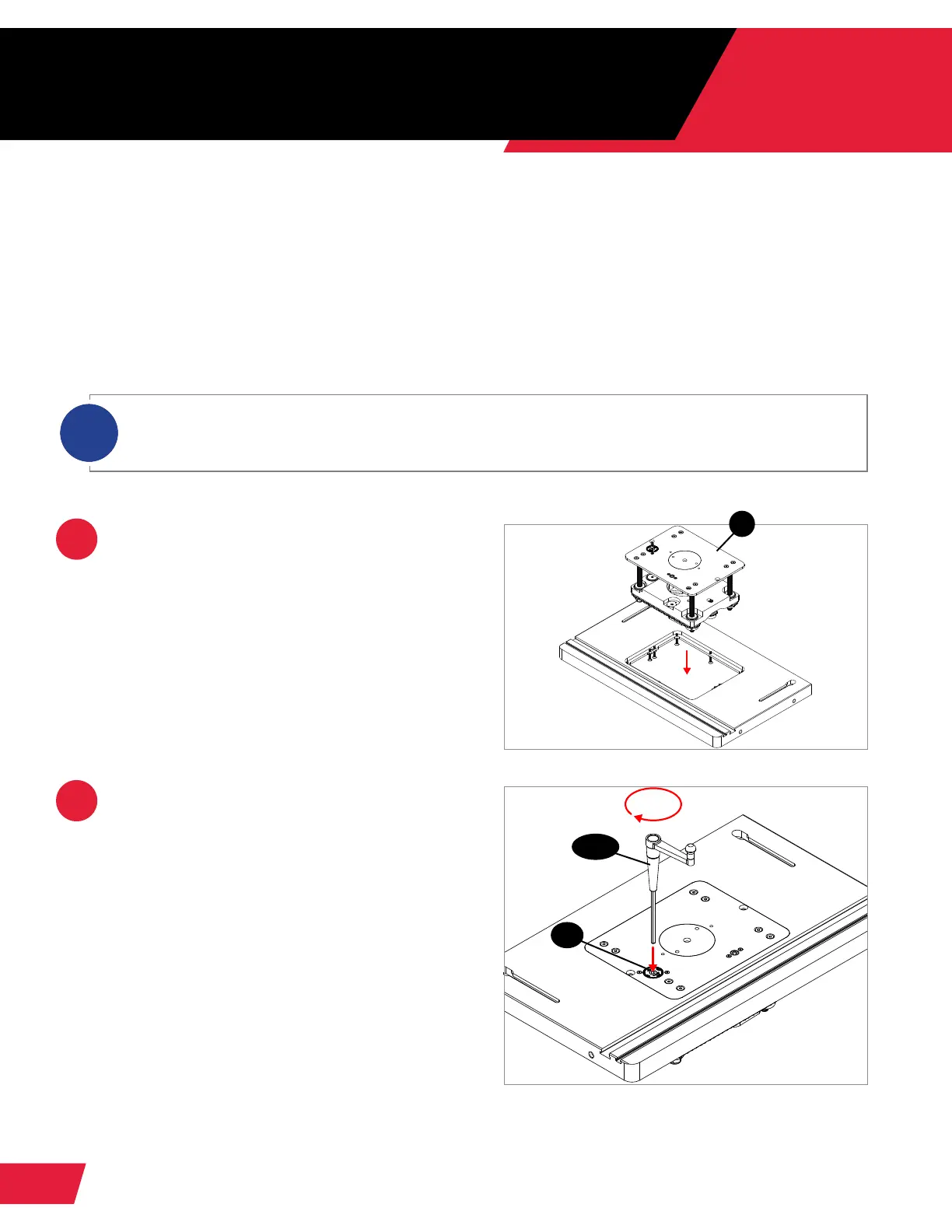
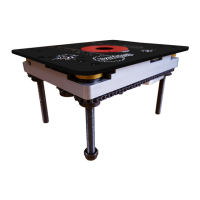
Set the router lift into the opening in
your router table, so the underside of
the aluminum router plate (1.2) rests on
the table’s leveling screws.
Insert the elevation handle (1.6-1.9)
into the scale plate (1.11) in the router
plate. Ensure the handle is fully seated.
Turn the handle clockwise to raise the
router lift to its maximum elevation, then
remove the elevation handle and set
it aside.
The clamp on the router lift can accommodate a router up to 4.2” in diameter. For smaller routers, you
may need to use the 3.5” router reducer collar (1.53) or the 3.25” router reducer collar (1.54) between
your router and the clamp (1.41) on the router lift.
i
1.2
1.6-1.9
1.11


 To Next Page