33
100
MODE
0.3 0 0
2 sec.
0
f.d. e.
PRINT
PRINT
0.0 1 0
apw
a. b. c.
100
F 6
kg
kg
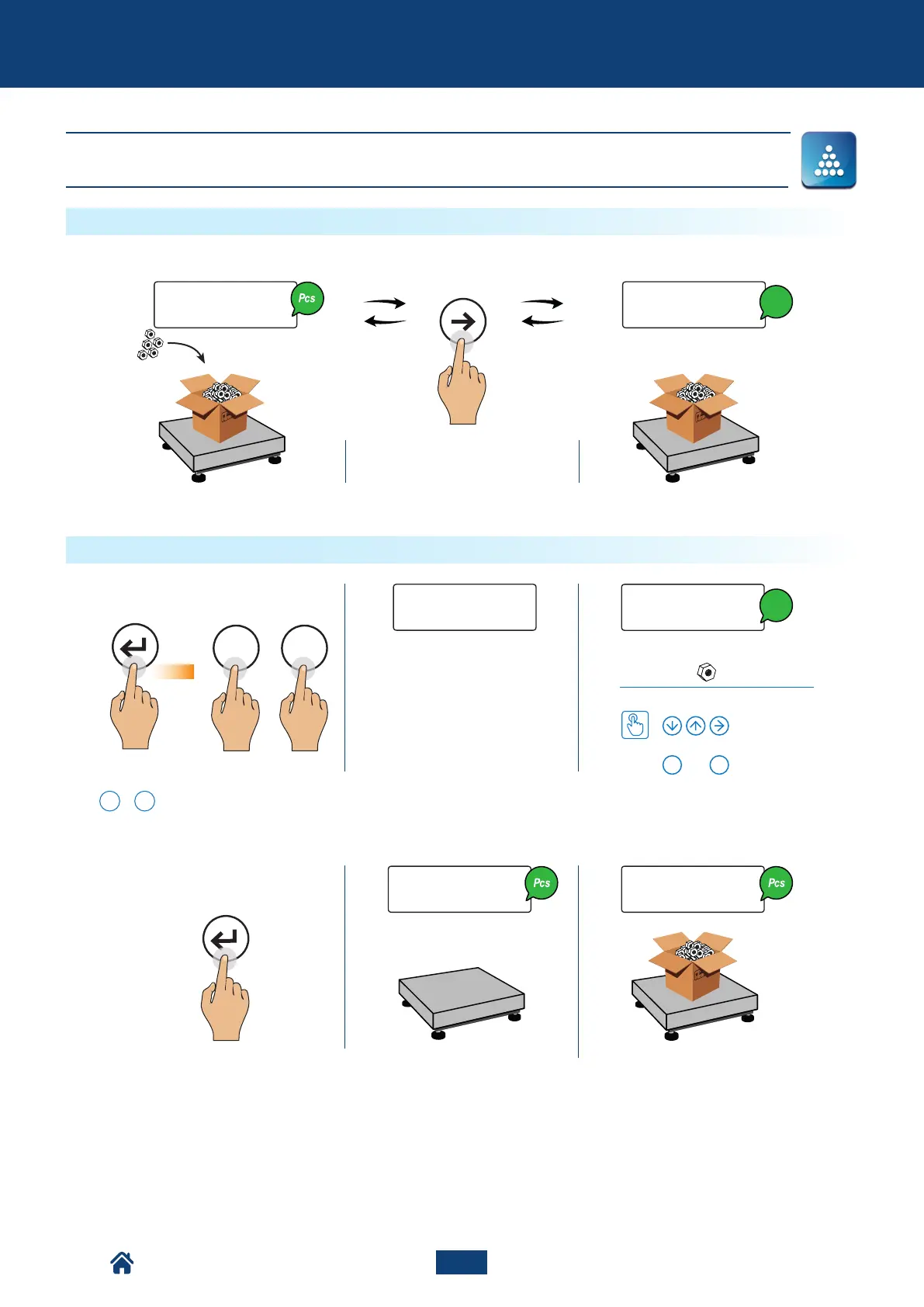
COUNTING - Count
You can go from counting to wei-
ghing at any time
For correct counting, you must
set the known tare value (see
page 15) or tare the empty
container and fill it with the
pieces to count.
How to switch between pieces count and weight
Enter the average unit weight
How to set the value
oppure
...
0 9
*With the numerical keyboard, it is
possible to use the rapid combination
F
+
6
.
Example:
Advanced functions of the scale
= 0,010 kg
or
*
How to enter the average unit weight (PMU)
NU2-IPC20_50-E-0918



 To Next Page