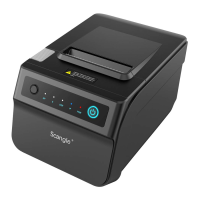
Main Features of the Printer:
1.High Speed: 300mm/s.
2.Low noise thermal printing.
3.Support RS232,USB,Ethernet, WIFI,Bluetooth.
4.Data buffer built-in(Able to receive printer data while printing).
5.Equip with circuit driving peripheral to control external device such as cash box.
6.Command support ESC/POS、select different printing density,i.e.adjust dials witch.
7.Support NV bitmap download and printing.
2
Chapter 2. Printer Setup and Operating
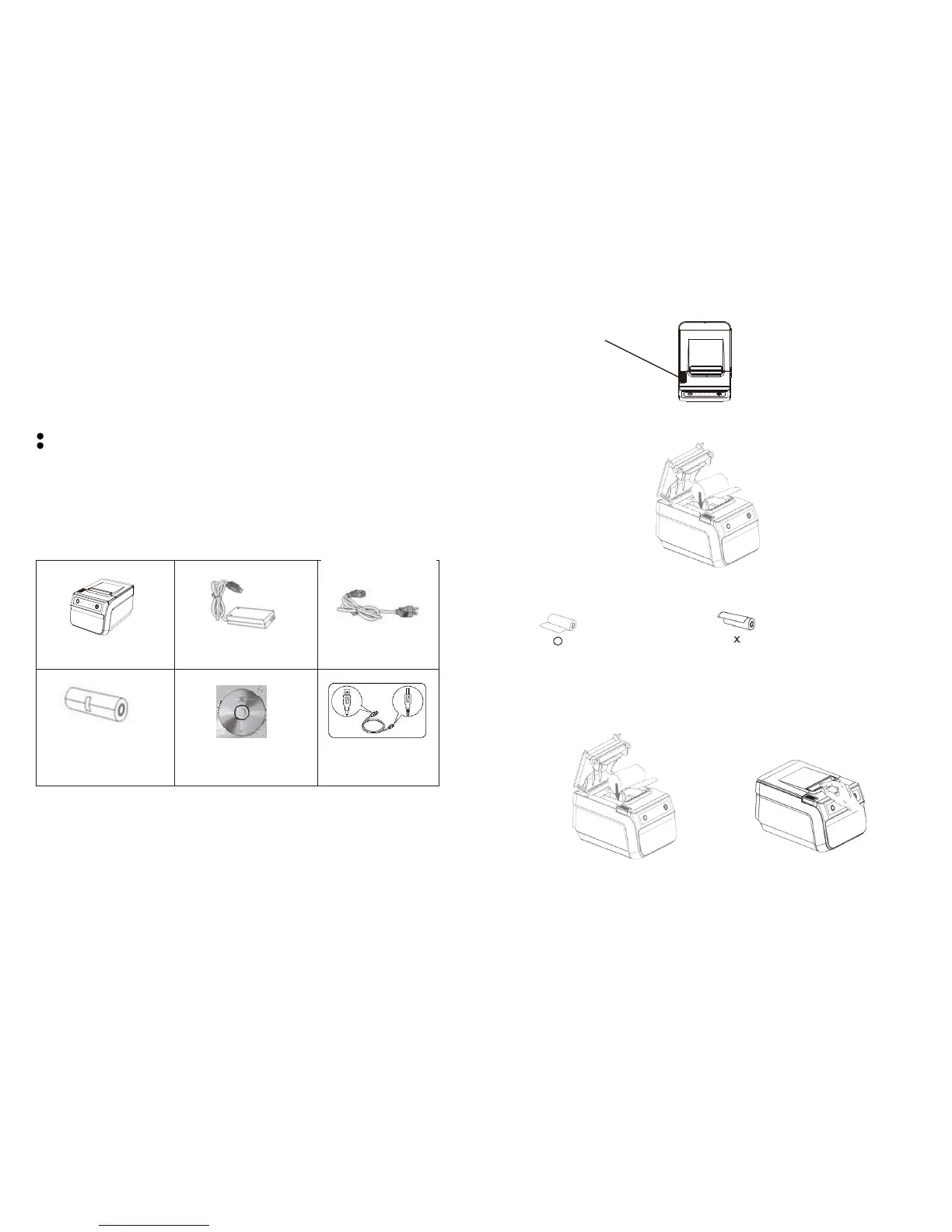
2.1 Contents in the Package
Check below items,Please contact the dealer for any breakdown or absent.
Printer
Power Adaptor
Power Cable
Paper Roll
CD
USB Cable
Note:The packing style above is subject to change without notice.If you have
any questions please contact your local dealer.
2.2 Load and Replace Paper Roll
Press the Button to Open Paper Roll Cover
Remove the used paper roll to replace with a new roll
Press the Button
1. Load the paper roll as shown in the image below:
2.Make sure the paper roll is loaded in the correct direction.
Correct Direction Wrong Direction
3.Pull out the roll paper to the bottom front of the printer and then close the cover as shown in image
below.
4.Tear off extra paper roll as showed in below image Use Auto-cutter or cutter point of machine
3
SGT-88IV Printer support auto-cut the extra paper after you load paper.
***Read the manual carefully before usage.
SGT-88IV features NV bitmap download Flash 576 pixels.


 To Next Page