Sample Sessions with TextBridge 5–11
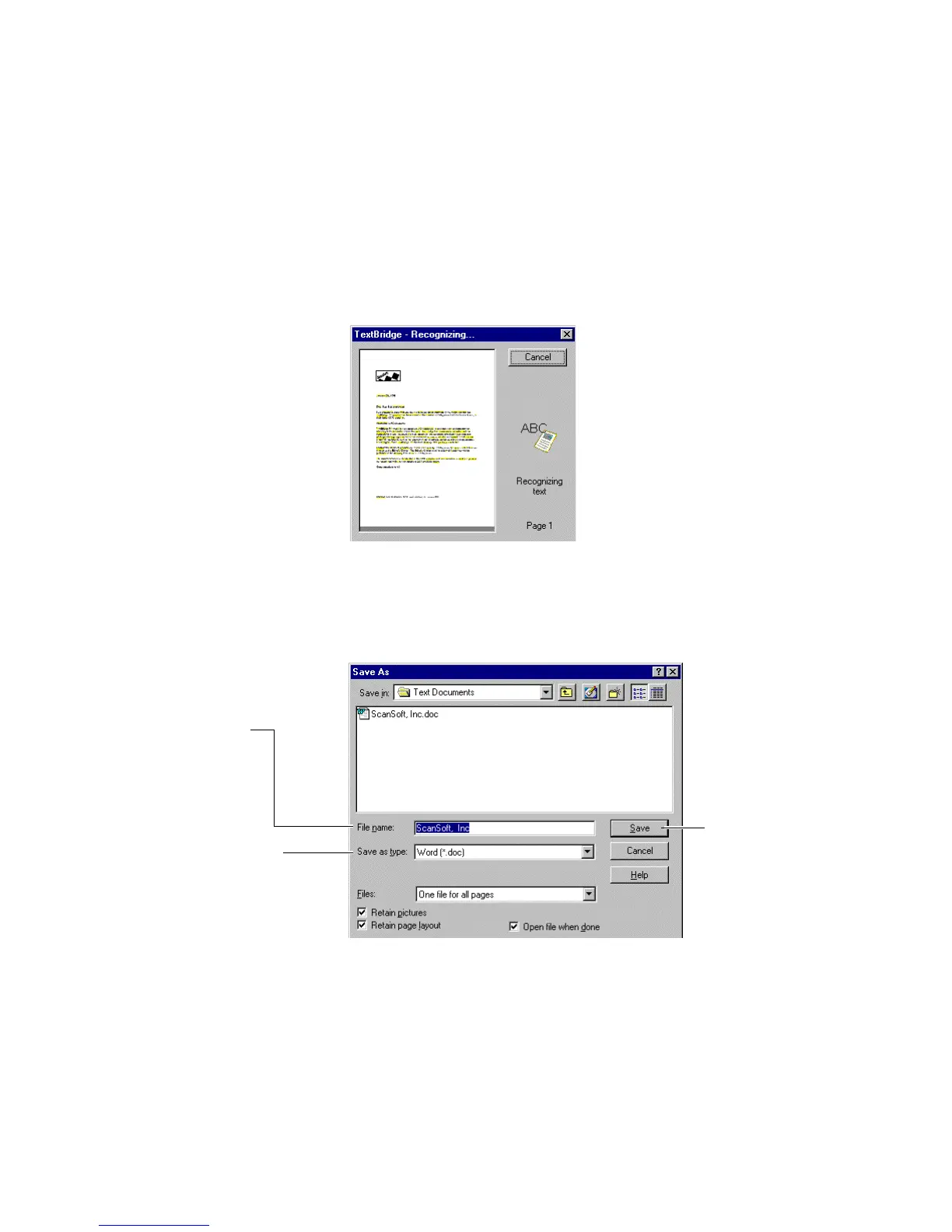
TextBridge automatically recognizes the characters and page
layout as shown in the Recognizing dialog box (Figure 5–9).
Figure 5–9. TextBridge - Recognizing dialog box
After TextBridge reads the page image and processes it, it asks
you to save the document (Figure 5–10).
Accept the default name,
or type a new name
Select the output format
Click Save
Figure 5–10. Save As dialog box



 To Next Page