Home
ScanSoft
Software
TextBridge Pro 9.0
Page 109
ScanSoft TextBridge Pro 9.0 - Page 109
167 pages
Manual
Save Page as PDF
To Next Page
To Next Page
To Previous Page
To Previous Page
Loading...
5–10
TextBridge Pro User’s Guide
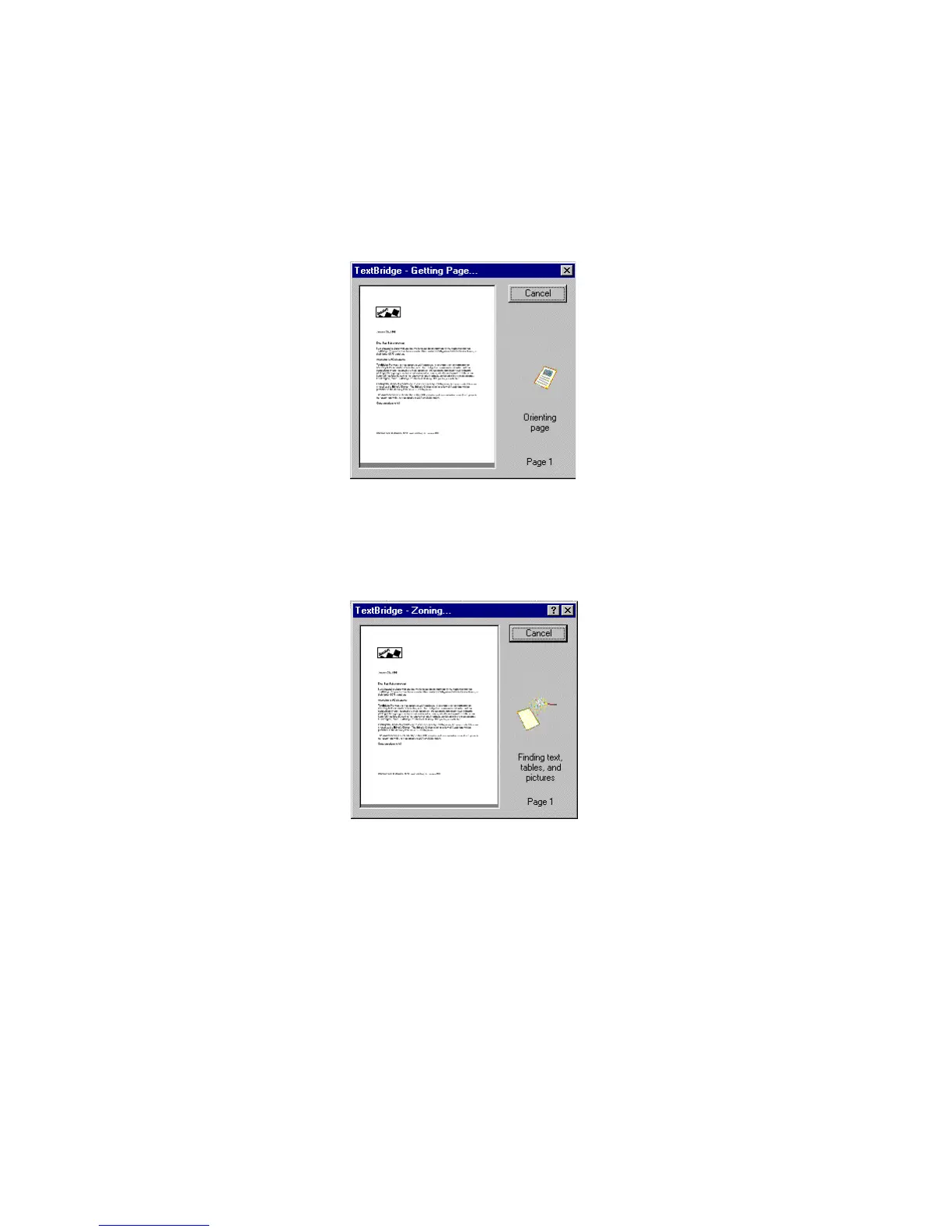
Figure 5–7.
TextBridge - Getting Page dialog box
TextBridge then zones the page and identifies text, tables, and
pictures as shown in the Zoning dialog box (Figure 5–8).
Figure 5–8.
TextBridge - Zoning dialog box
108
110
Table of Contents
Main Page
Default Chapter
5
Table of Contents
5
Learning to Use Text Bridge
76
Before You Begin
77
Ways You Can Use Textbridge
77
Starting Textbridge
78
Using Automatic Processing
80
Using Manual Processing
83
Performing Basic Operations
84
Selecting the Page Source
85
Selecting the Page Type
86
Previewing the Page
87
Zoning the Page
89
Proofreading the Document
92
Saving the Document
93
Getting Help While Using Textbridge
95
Using the Welcome Window
95
Using the Show Me How Window
96
Using Tips
97
Getting Information from Help
97
Using the Textbridge Web Site
99
Where to Go from here
99
Sample Sessions with Text Bridge
100
Auto Processing
100
Using the Sample Documents
101
Session 1: Recognizing a Simple Document Using Auto Processing
106
Session 2: Using Instant Access to Textbridge
113
Session 3: Recognizing a Complex Document Using Manual Processing
119
Session 4: Processing Text, Pictures, and a Table
128
Where to Go from here
137
Advanced Sample Sessions
138
Session 1: Processing a Document to Use in a Database
138
Session 2: Using Zone Templates and
144
Session 3: Training Textbridge OCR
151
Where to Go from here
157
Related product manuals
DRAGON NATURALLYSPEAKING 8
226 pages
ScanSoft PAPERPORT 8.0 DELUXE
70 pages
ScanSoft SUPERGOO
50 pages
ScanSoft OMNIPAGE PRO 11
92 pages



 To Next Page