Sample Sessions with TextBridge 5–9
4. Click the Auto process button.
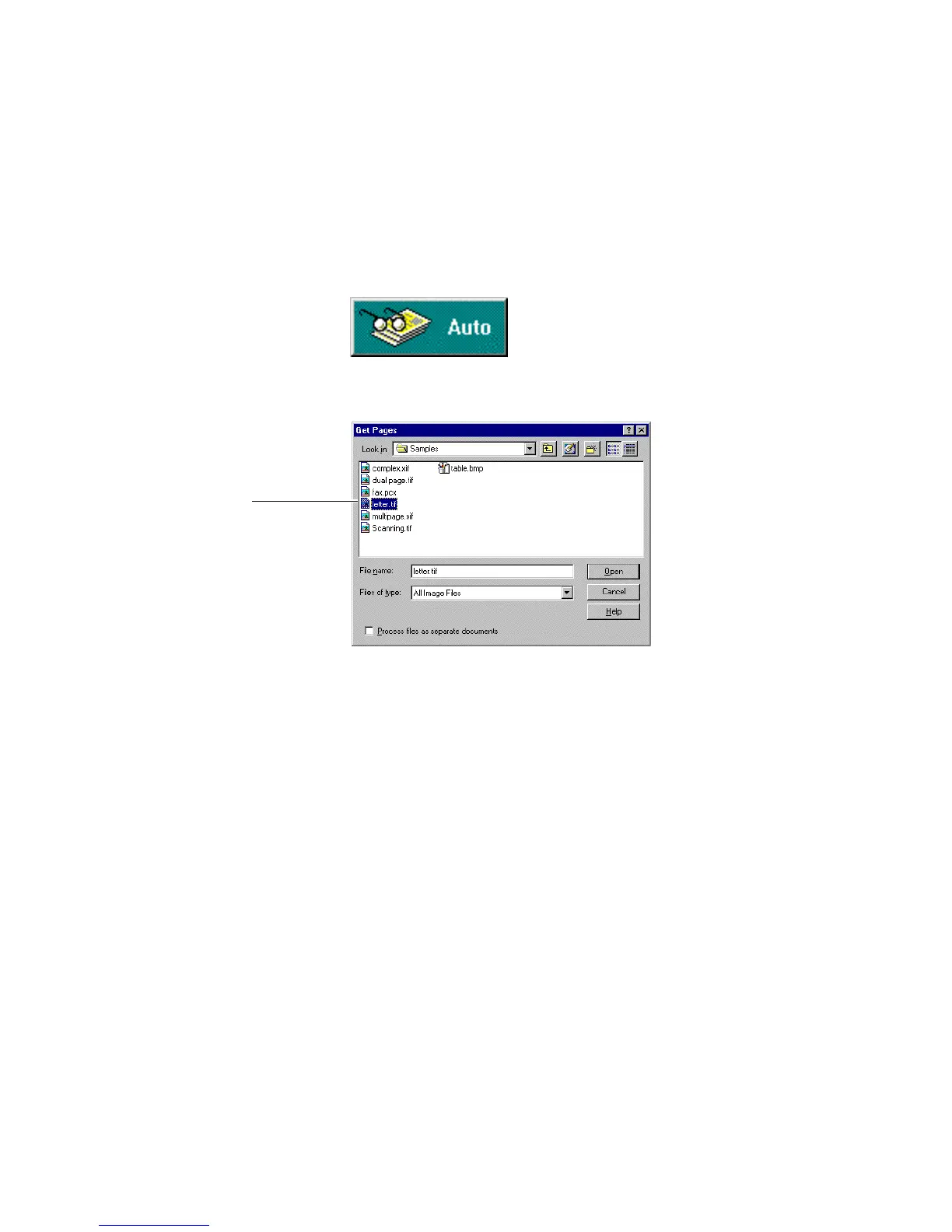
The Get Pages dialog box appears (Figure 5–6).
Select an image file
Figure 5–6. Get Pages dialog box with letter.tif selected
5. In the Get Pages dialog box, double-click the sample
document, letter.tif.
TextBridge reads the image file as shown in Figure 5–7 (next
page).



 To Next Page