Sample Sessions with TextBridge 5–23
6. Click the Find Zones button.
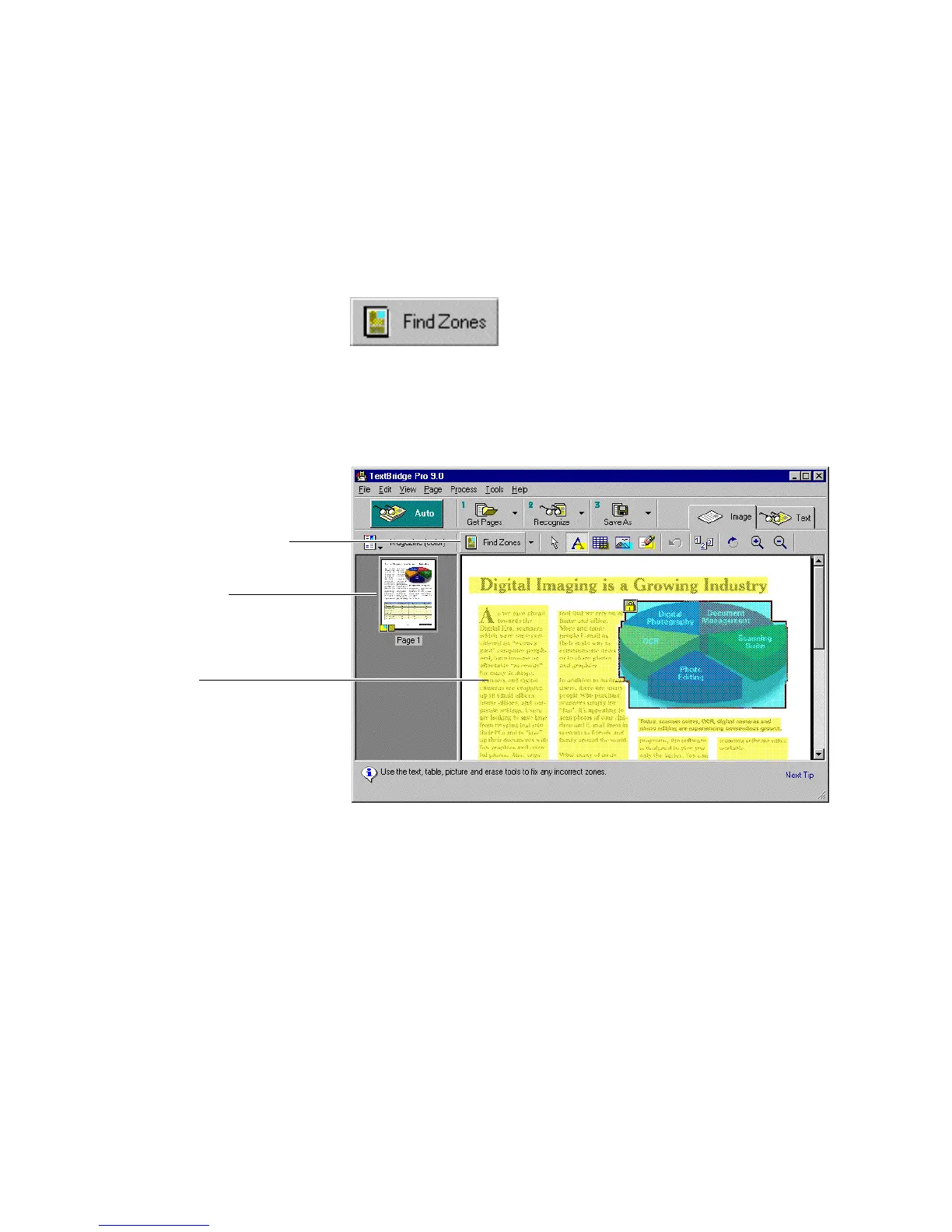
TextBridge automatically zones the page. TextBridge locates
areas on the page to recognize and designates each area as text,
table, or picture. TextBridge then stops for you to check and
change the zones if necessary (Figure 5–18).
Preview and zoning tools
Page thumbnail
Text zones
Figure 5–18. Zoned magazine page



 To Next Page