5–34 TextBridge Pro User’s Guide
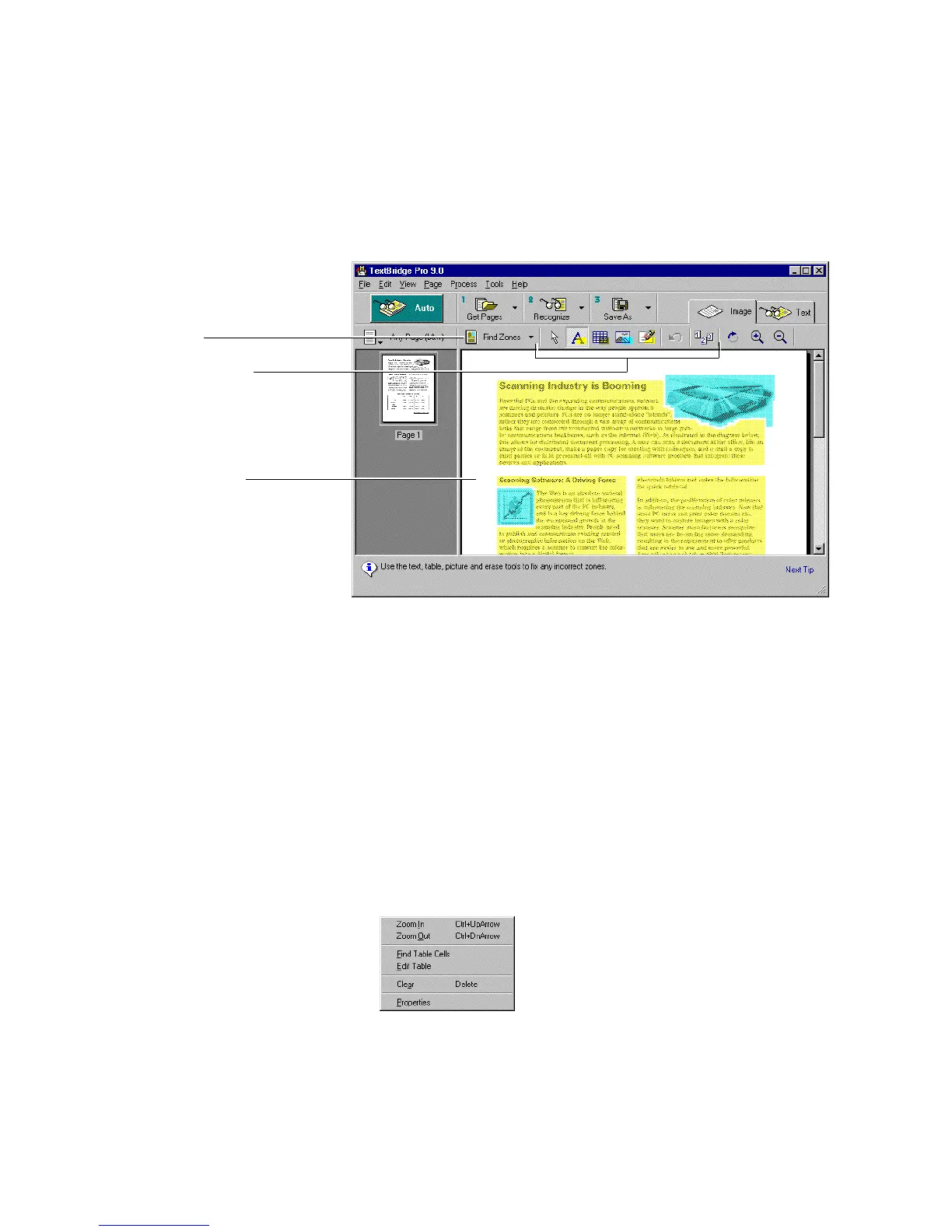
Manual zoning tools
Highlighted zones
Find zones
Figure 5–22. Page with text, picture, and table zones
11. Check the results of automatic zoning.
There should be two picture zones, several text zones, and one
table zone. Check that the entire table is included in one table
zone. Make sure that the title of the table and the reverse video
text are each in separate text zones. Zoom in to verify the zoning,
if necessary.
If you want to change a zone, check or modify the properties of a
zone:
• Right-click the zone and use the zone shortcut menu to zoom,
clear or delete zones, or see the zone’s properties.



 To Next Page