Sample Sessions with TextBridge 5–35
• If you need to resize a zone:
Draw more with the zoning tools, or erase parts of the zones
with the erase tool.
Use the erase tool to separate the page title from the first
paragraph.
12. Click Recognize.
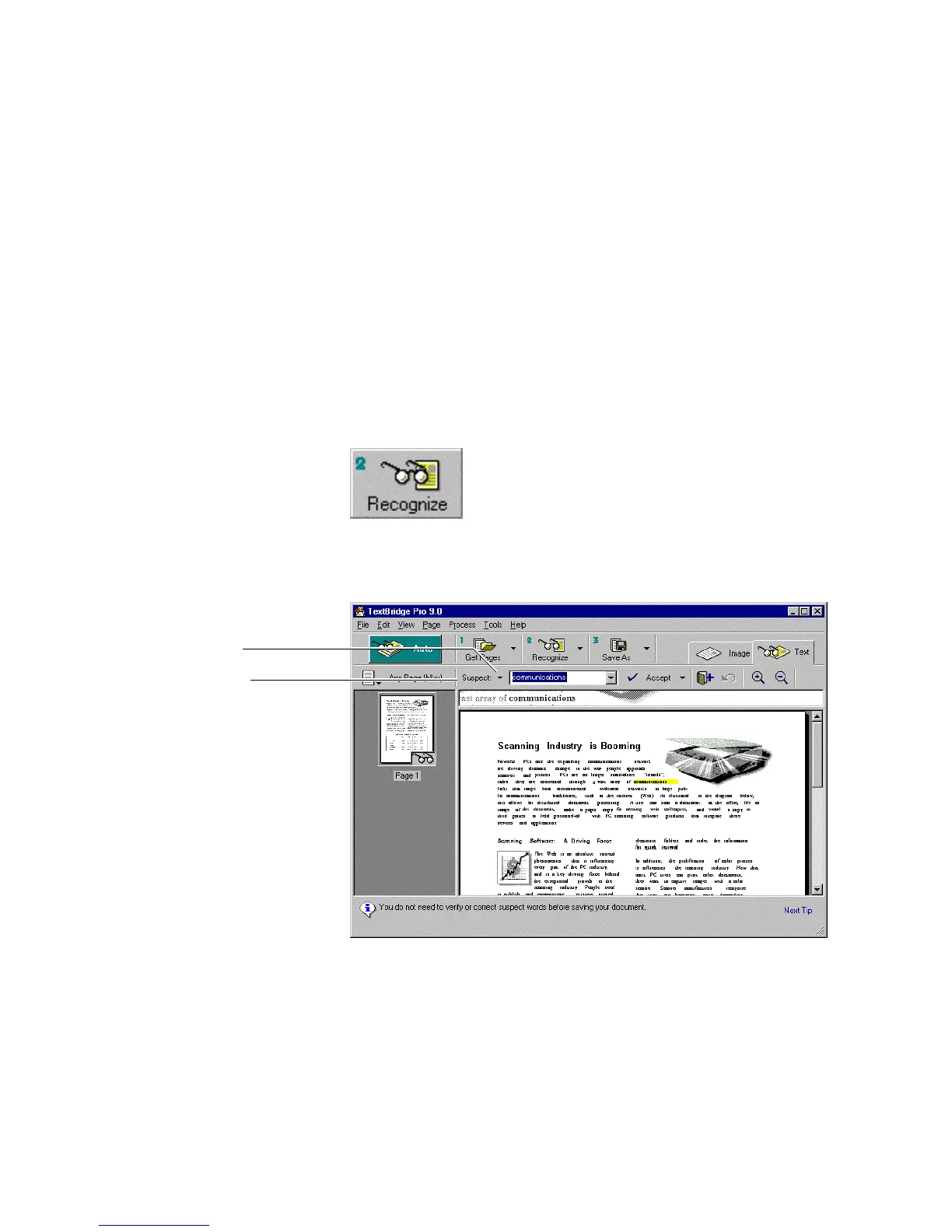
TextBridge recognizes the page, then stops for you to proofread
the text (Figure 5–23).
Proofreading tools
Confidence level
Figure 5–23. Confidence level in Proofread toolbar



 To Next Page