5–36 TextBridge Pro User’s Guide
13. Change the recognition confidence level.
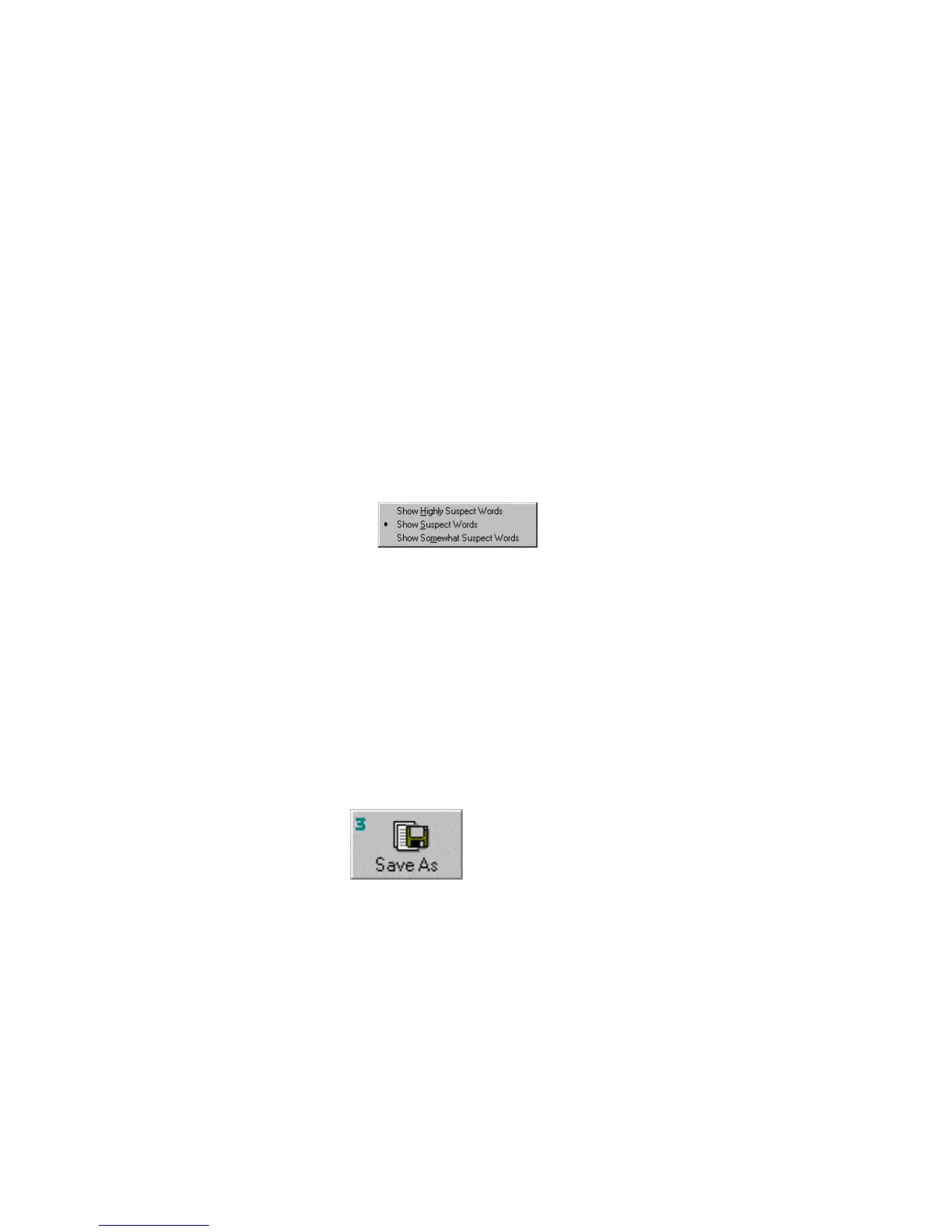
The default confidence level is Show Suspect Words. If you
change the confidence level to Show Highly Suspect Words,
TextBridge will raise its confidence level, and fewer words will
appear as suspects. If you change the confidence level to Show
Somewhat Suspect words, TextBridge will lower its confidence
level, and more words will appear as suspects.
To change the confidence level:
• Click the Suspect drop down arrow and select from the menu.
14. Change any words that were not accurately recognized
using the Proofreading tools.
Check suspect words and correct any that were not correctly
recognized.
☞ You need not make any corrections in order to save your
document. If TextBridge had no trouble recognizing words, there
will not be many suspect words to proofread.
15. Click the Save As button when you have completed
proofreading.
The Save As dialog box appears.



 To Next Page