Sample Sessions with TextBridge 5–37
16. Save the page as Scanning.rtf.
Be sure to select Retain pictures and Retain layout.
TextBridge formats and saves the document.
17. Open Scanning.rtf in your word processor.
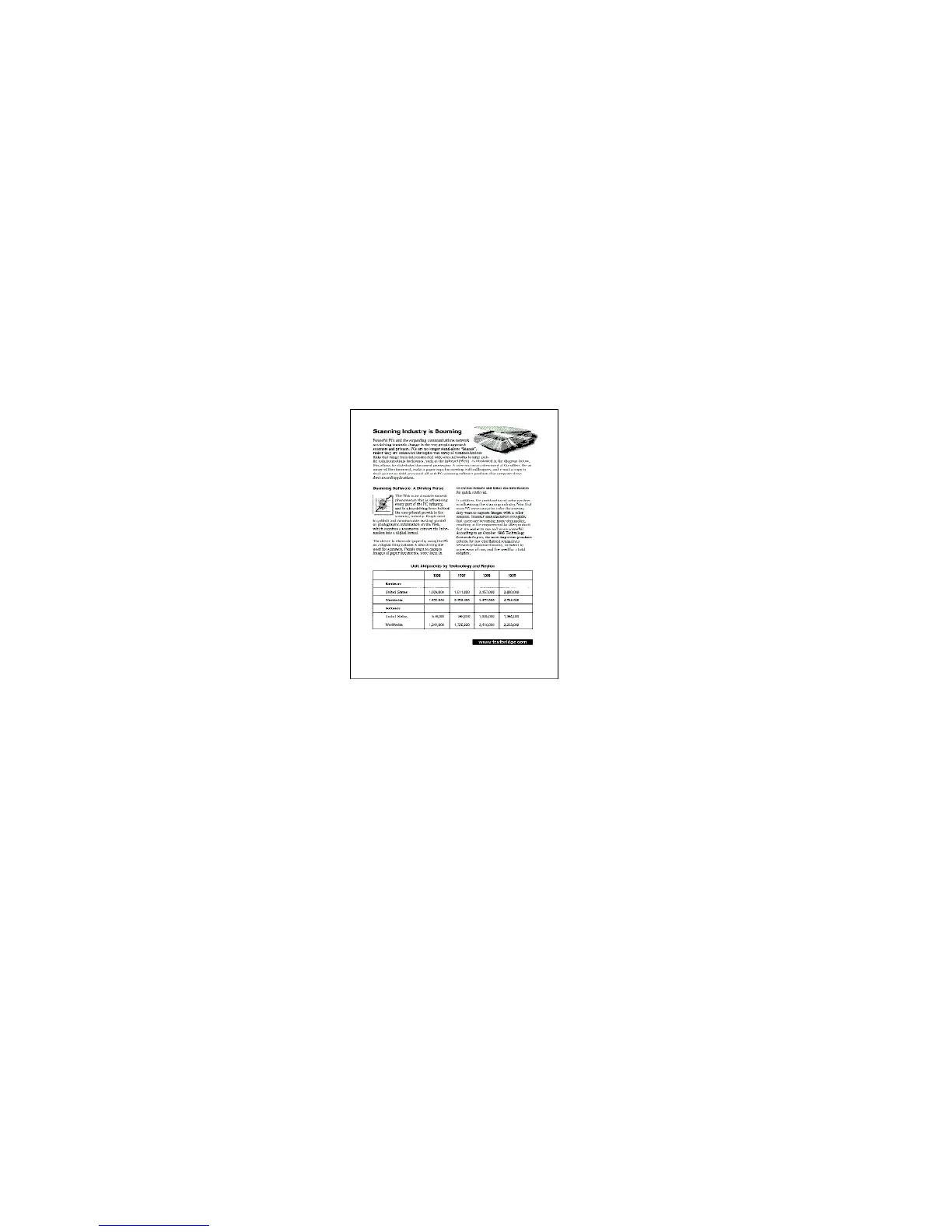
Figure 5–24. Scanning sample document
The page is like the original page with the original layout
including the pictures and table. The document is fully editable in
your word processor.
18. Edit the document in your word processor.
You can spell check the page and make other changes.



 To Next Page