6–2 TextBridge Pro User’s Guide
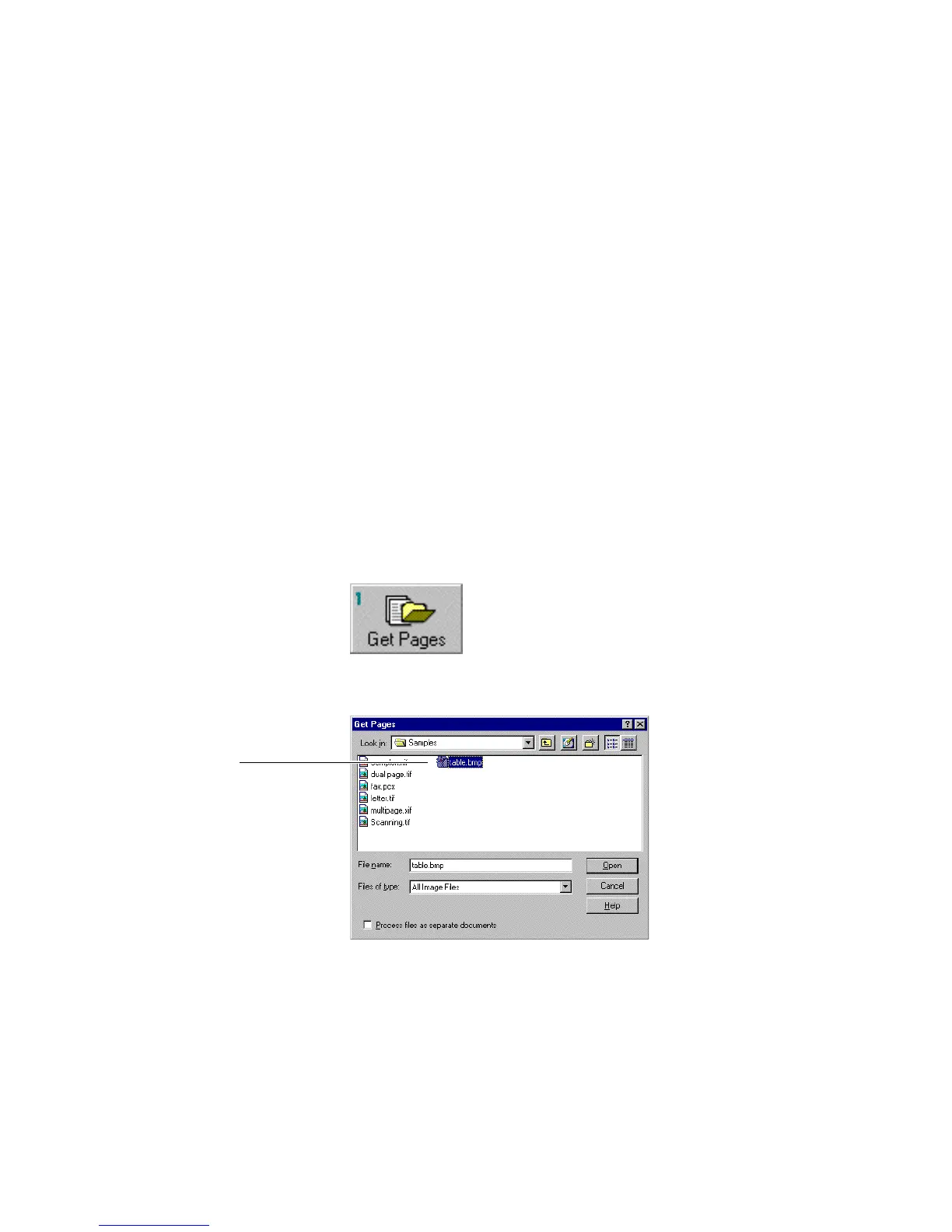
☞ For this learning session, use the image file named table.bmp.
This image file has a heading followed by a table in cell format
with gridlines containing dates, names, and telephone numbers.
To process this document for use in a database:
1. Select the page type.
• Click the Page Type button to select Table.
• Click OK
The settings are automatically changed to table page layout, good
print type, any page orientation.
2. Click the Get Pages button.
The Get Pages dialog box appears (Figure 6–1).
Figure 6–1. Get Pages dialog box



 To Next Page