6–10 TextBridge Pro User’s Guide
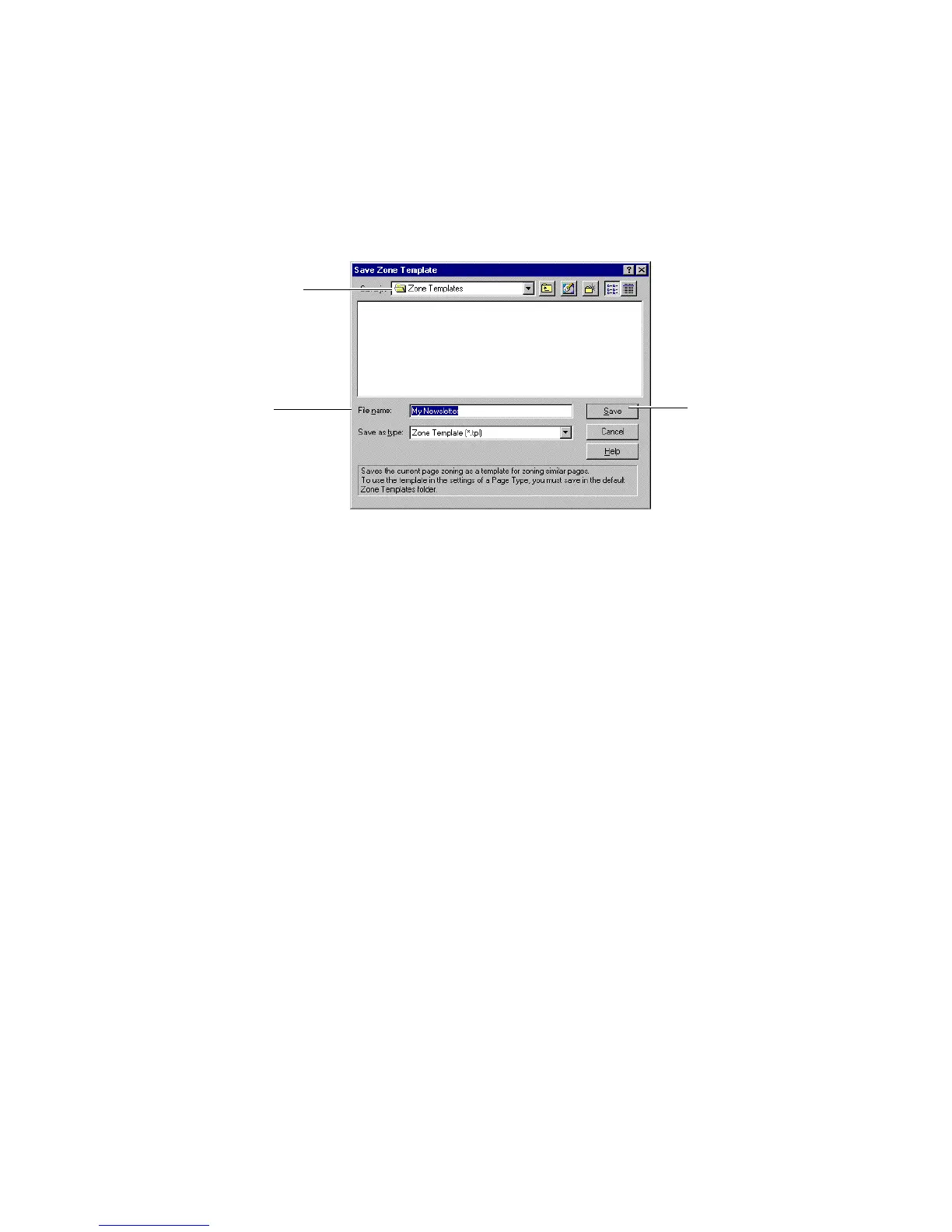
Specify the default location
Specify the file name Save the template
Figure 6–7. Save Zone Template dialog box
• Select the default location to save the zone template file.
☞ To specify your zone template in Page Type settings, you must
save the template in the default folder, Zone Templates. However,
if you save the zone template to another location, you can still
load it using the Load Zone template command available from the
Tools menu.
• Specify the zone template file name, “My Newsletter.”
TextBridge provides a suggestion for the file name, based on
the current Page Type, Magazine (b&w).
• Click the Save button. TextBridge saves the zone template
file and closes the Save Zone Template dialog box.
6. Open Page Type Settings.
• Click the Page type button to select Magazine (b&w).
• Click Settings to open the Page Type Settings dialog box
(Figure 6–8).



 To Next Page