6–12 TextBridge Pro User’s Guide
• Type a description for your page type.
• Click OK to close the New Page Type dialog box and return to
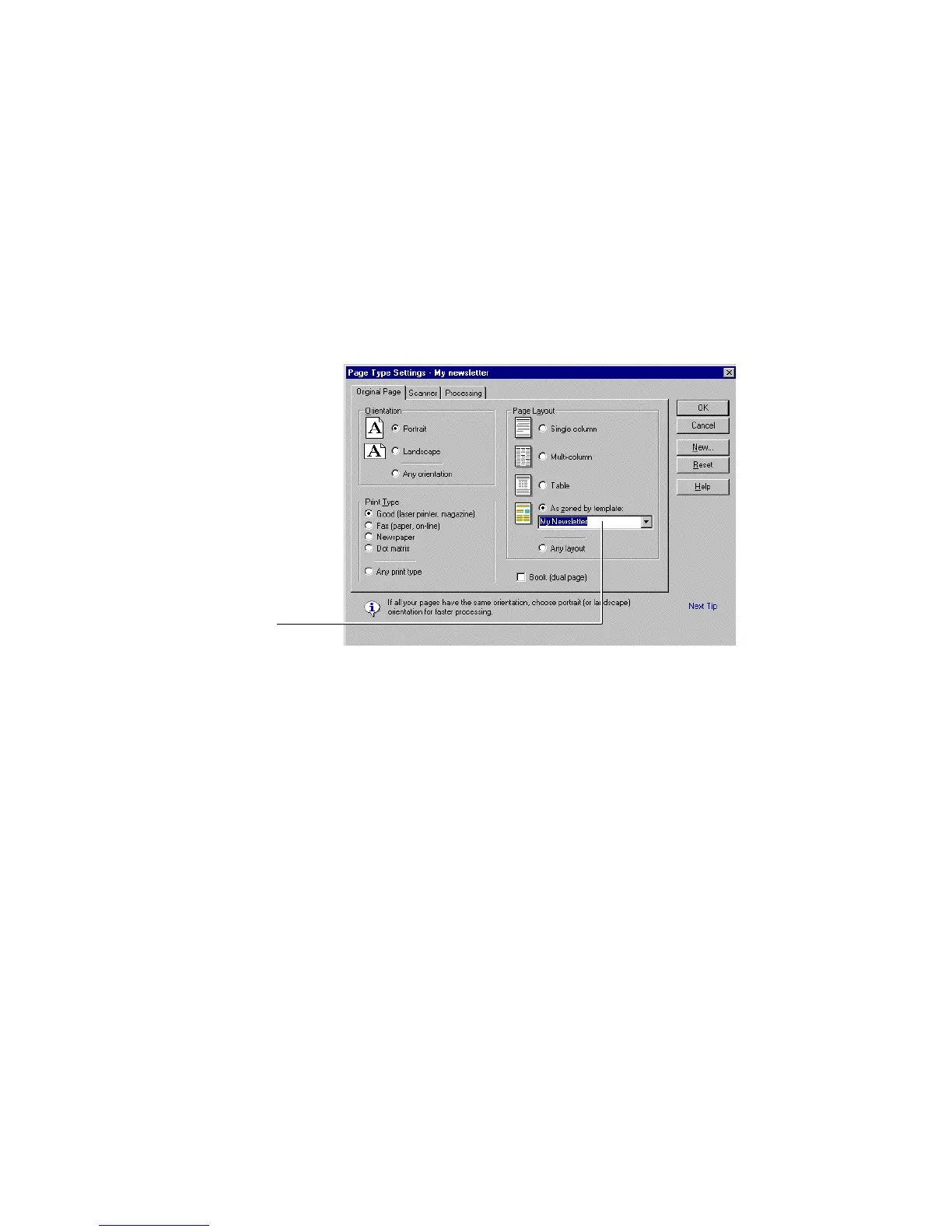
the Page Type Settings dialog box (Figure 6–10).
Figure 6–10. Page Type Settings with zone template selected
8. Select the zone template in the Settings dialog box.
• Click As zoned by template.
• Select My Newsletter in the drop down list.
• Click OK to close the Page Type Settings dialog box.
• Click OK again to close the Page Type dialog box.



 To Next Page