6–18 TextBridge Pro User’s Guide
7. In the Save Training Data dialog box:
• Save training data in the Training Data folder.
• Enter a file name.
• Check Open file when done.
• Save the file with a .trn extension.
• Click the Save button.
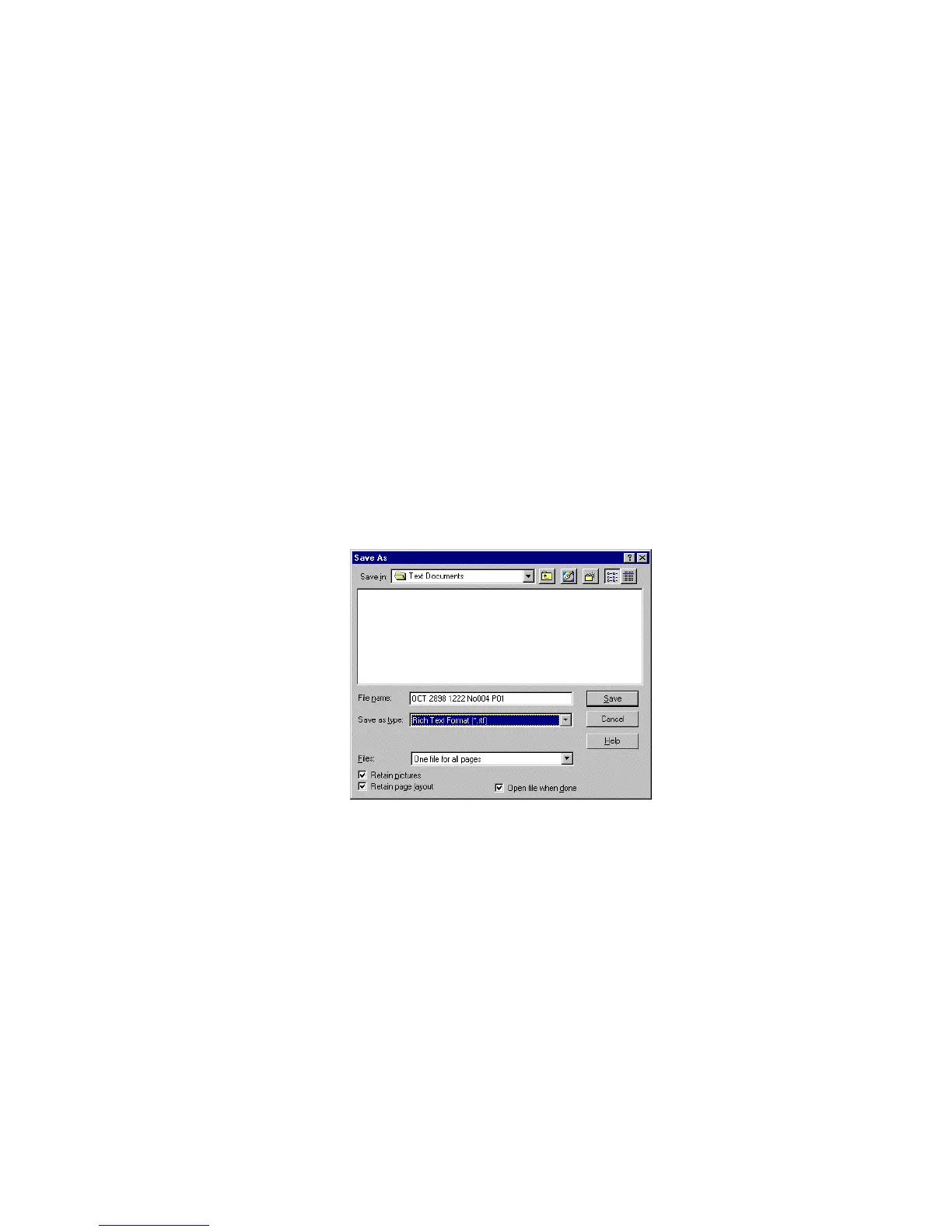
The Save Training Data dialog box closes, and the Save As dialog
box opens (Figure 6–15).
Figure 6–15. Save As dialog box
8. Save the page as fax.rtf.
TextBridge saves the document to the selected format and opens
your word processing application.



 To Next Page