Advanced Sample Sessions 6–19
9. View the file in your word processor.
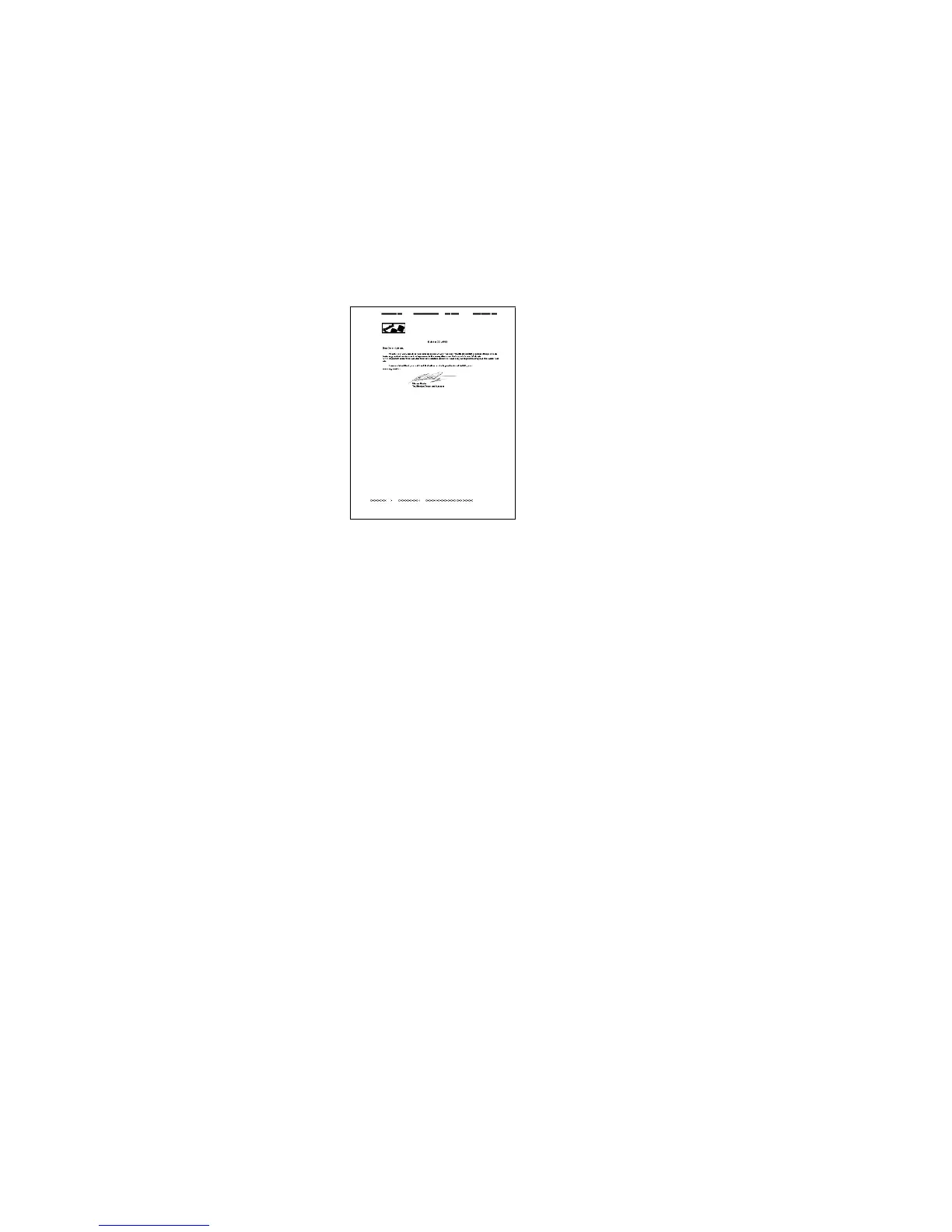
Figure 6–16. Fax sample document
Notice that, even though the input document was a low-quality
fax image, TextBridge recognized it with a high degree of
character recognition and formatting accuracy.
You can use the saved training data to improve the recognition of
documents of similar quality and with the same fonts.
☞ Using training on dissimilar documents may actually degrade
recognition.
To make use of training data, specify the training data in the
processing tab of the Page Type settings dialog box.



 To Next Page