1.5 Custom parameter
1.5.1 Customer Parameter View and Modification
CUSTOMER PARAMETER and FACTORY PARAMETER
are not allowed to be modified in running and stop delay status.
When modifying Customer parameter please refer to run parameter modification method. The modification
process of LOADING P is showing as an example below:
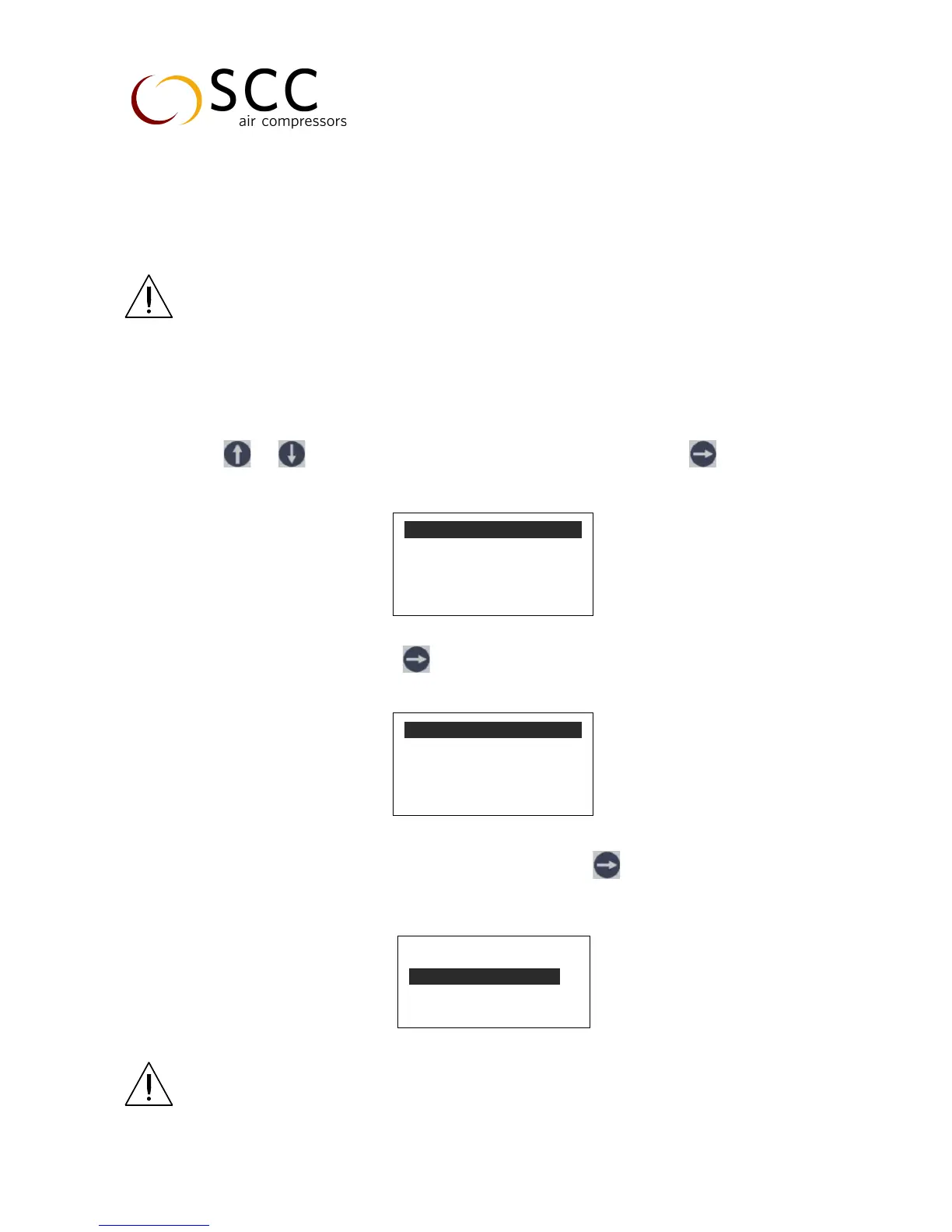
Press or to move the cursor to “CUSTOMER PARAMETER”, then press to switch to secondary
menu
Move the cursor to “SET P, T”, press to switch to secondary menu:
User can check the CUSTOMER PARAMETER in this menu or press to switch to the following menu which
requires an user password input
NOTE: Customer password can be set in CUSTOMER PARAMETER
and FACTORY PARAMETER is fixed as ____________
SET P、T


 To Next Page