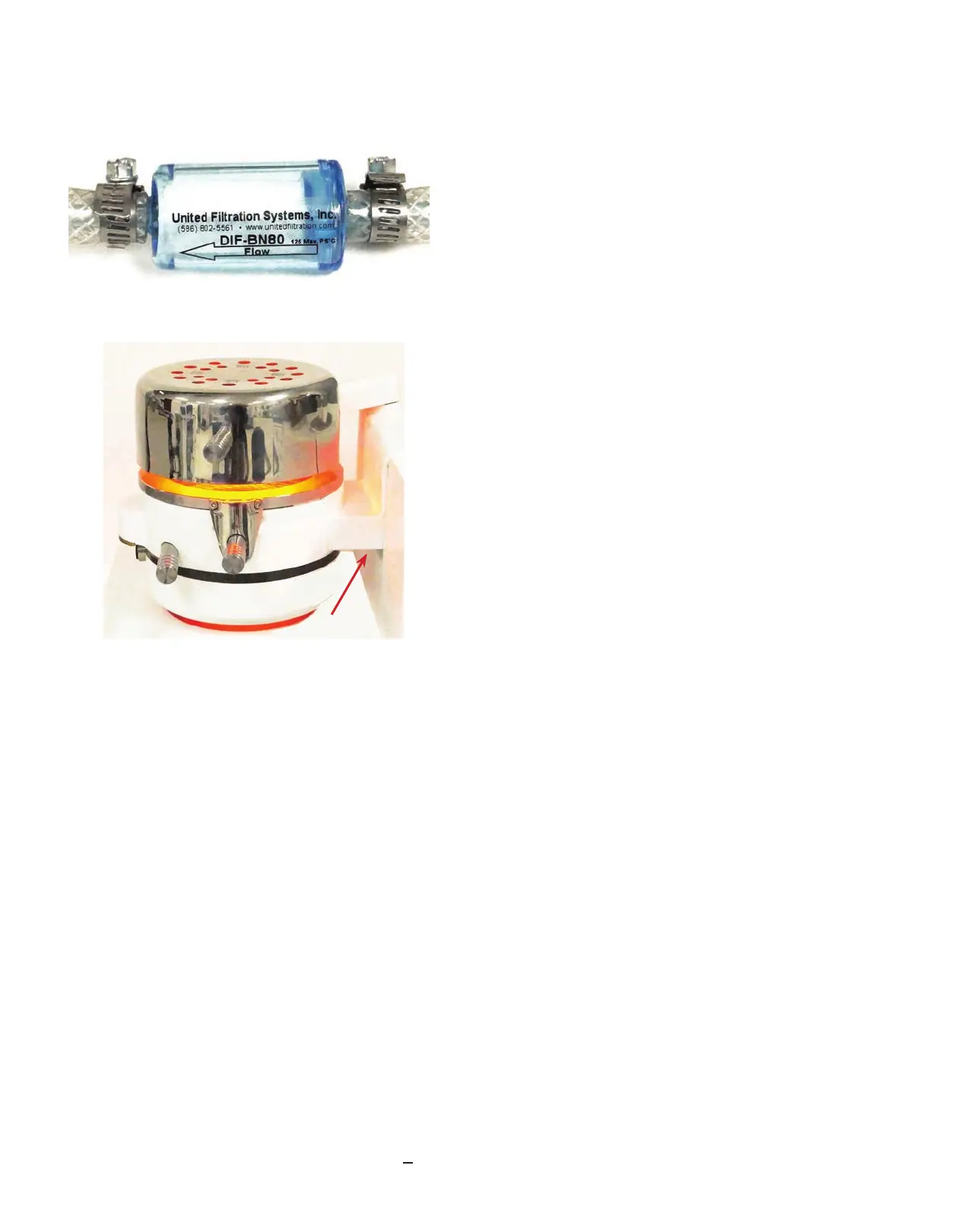
Check the air lter clamped to the air line monthly
for discoloration and/or moisture.
If replacing the air lter, turn o the air source and
bleed the high-pressure hose of air. Loosen the
clamps holding the lter and slide it o the hose.
Position the new lter by referencing the arrow on
the lter case toward the back
of the Biostar.
The heating surface (A) should be parallel to the
heating element (B). Adjust the position of the
chamber by turning the screw (C) located under
the chamber support frame with a small screwdriver.
Clockwise adjustment of the screw lowers the
chamber from the heater, counterclockwise raises
the chamber closer to the heater.
Always check the position of the chamber when
heating materials.
Operation
Model Preparation
There are three basic functions to operate the Biostar including:
• Model preparation
• Heating cycle
• Pressure molding process
Prepare models for the thermal-forming process by removing bubbles or lling voids, whether using
the platform or pellets.
• The platform is used when forming soft or thin plastics.
• Pellets are used when forming thick, less exible materials.
The pellets prevent the plastic from forming to unwanted areas of the dental cast, reducing material
thinning.
Platform Use
The platform is used to expose the entire dental mold to the formation of the thermal plastic. This
eliminates having to use pellets. Pellets are dicult to remove from softer material (i.e., soft mouth-
guard material), and can create a higher occurrence of air leaks during the pressure-forming process
when using thinner thermal plastics (i.e., < 1mm thick).
A
B
C


 To Next Page