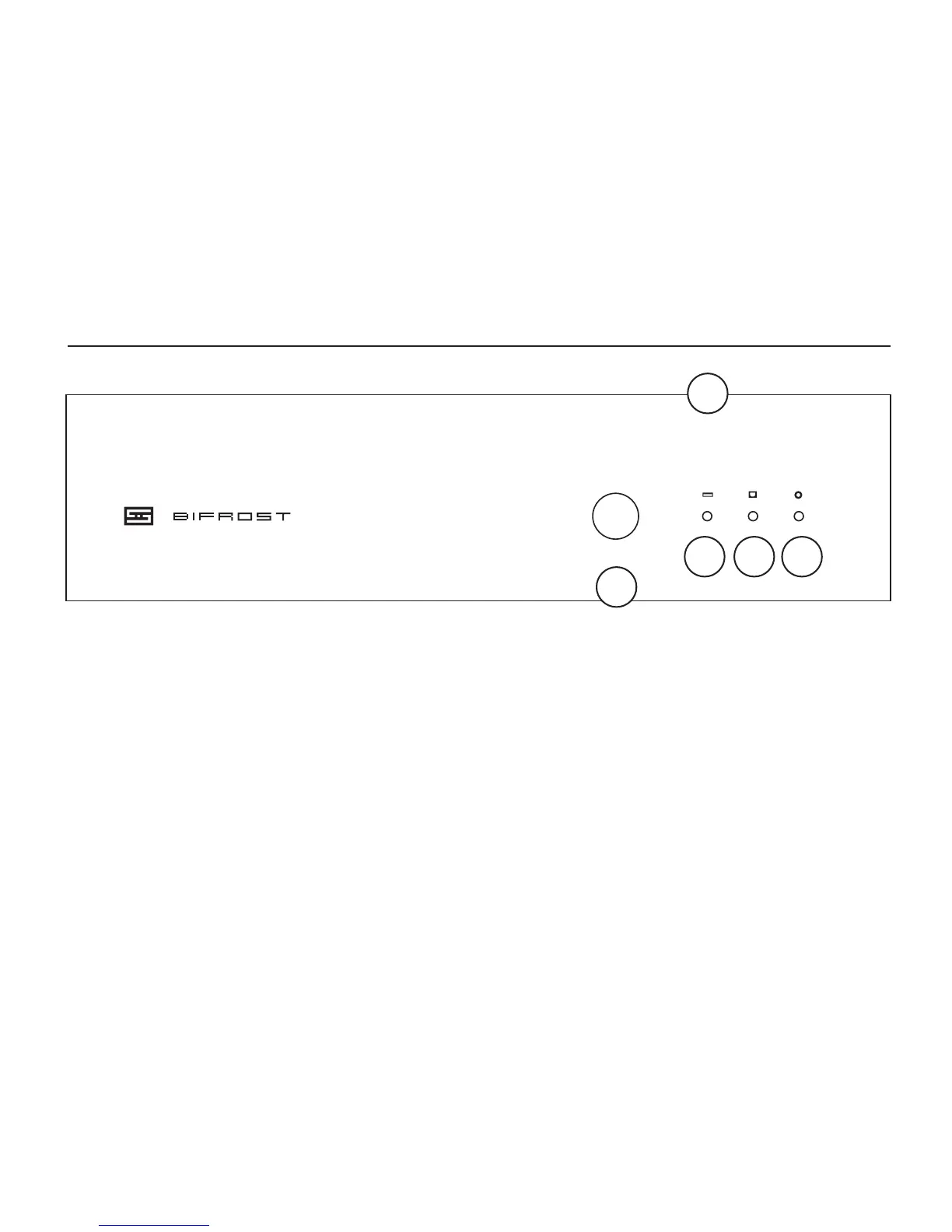
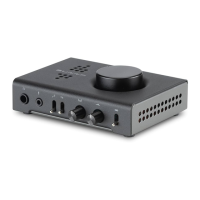
1 Input Select. Press the button to cycle through
Coaxial, Optical, and USB inputs.
2 USB Input LED. When this is lit, the USB input
is selected.
3 Optical Input LED. When this is lit, the optical
input is selected. Pretty simple, huh?
fRONT CONTROLs
4 Coax Input LED. When this is lit, the coaxial
input is selected. You probably already knew this
by now..
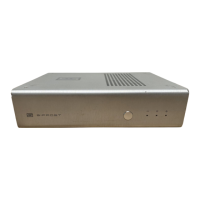
5 How Come These Holes Don’t Go Through?
Hey, you try getting FCC-friendly radiated noise
on a DAC that has vents in the cover. Go ahead,
try. But hey, they look cool, right?



 To Next Page