GETTING sTARTED
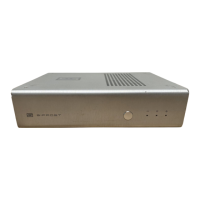
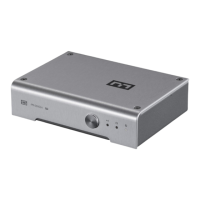
1. Connect Bifrost to your source and your amp
or preamp. You’ll need RCA-to-RCA cables to
connect the Bifrost to your amp or preamp, and a
digital cable or cables (coaxial, Toslink, or USB)
to connect your sources.
2. If you are using USB and have a Windows
computer you may need to download the USB
drivers from schiit.com/drivers. Instructions for
installing the drivers are provided on the website.
3. If you are using a computer source, ensure it
is set to output to the Bifrost. Sometimes PCs
and Macs get confused and want to use internal
speakers, or your powered USB headset, or
whatever.
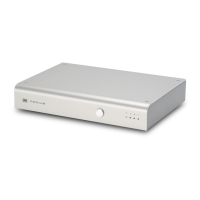
4. Select your source using the button on the
front panel. And enjoy your music!
ABOUT UPGRADEs
Bifrost is upgradable via modular DAC/Analog
and USB Input Cards. Upgrades can be
purchased on the Schiit website. All cards
must be added or changed by authorized
service personnel.
USB Card. When signicant changes happen to
USB technology, we can easily keep pace with
an updated USB input card.
DAC/Analog Card. We’ll announce selected
upgrades when there have been signicant
changes in technology—or, in other words, we
won’t be starting a D/A chip-of-the-month club.
If you’d like to be the rst to know about
upgrades as they become available, sign up
on the SPAM link on our site.



 To Next Page