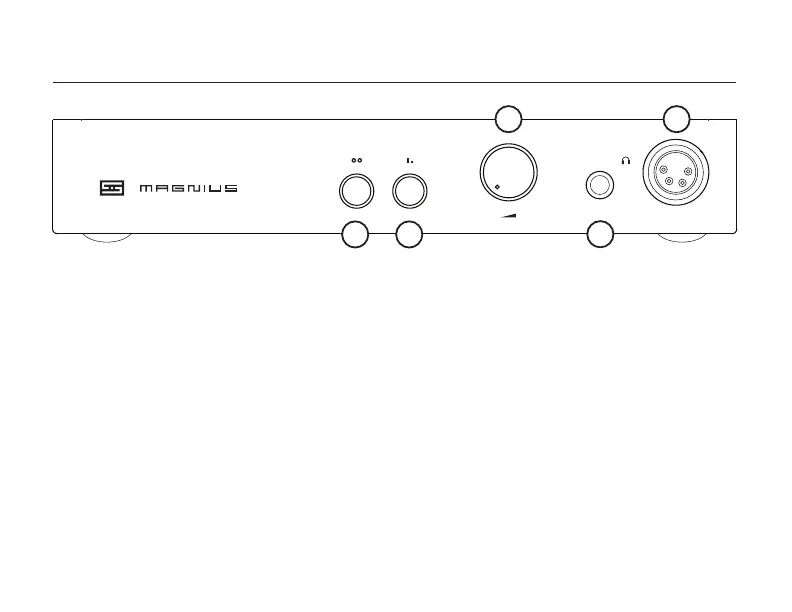
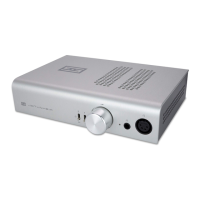
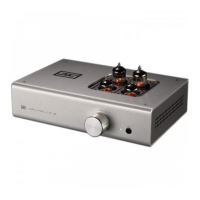
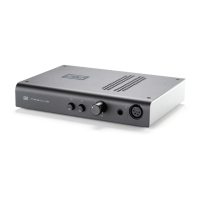
6 Balanced Headphone Jack. Plug in your
fancy-pants balanced headphones here, using
a 4-pin male XLR plug conforming to the K1000
output jack wiring specication. Ensure no pins
are shorted to each other or tied to ground, or
bad things can happen.
Relay Mute: Magnius has a 5-second relay mute when rst
turned on. A delay in output is normal.
TRRS Headphones Caution: 1/8” TRRS-terminated head-
phones (ones that have microphones, typically) will need a
specic adapter or series of adapters to correctly convert
them to 1/4” TRS. If you are unsure about your headphones,
contact the headphone manufacturer.
1 Input Switch. If the name wasn’t clue enough,
this selects the input. Out is balanced XLR, in is
single-ended RCA. Simple as that.
2 Gain Switch. Out is high gain, in is low gain.
3 Volume Knob. Turn it to the right to make the
music louder. Stop before it hurts.
4 SE Headphone Jack. Plug in your regular
headphones here (with “regular” being dened
as “most headphones with the typical 1/4”
headphone plug.” If you have 1/8” plug
headphones, you can use a TRS-TRS adapter*,
which is not included.
031M001100 15VAC/1.5A
AC
IN
1 2
3
4
5
CONTROLS


 To Next Page