1
2 3
USING MODI+
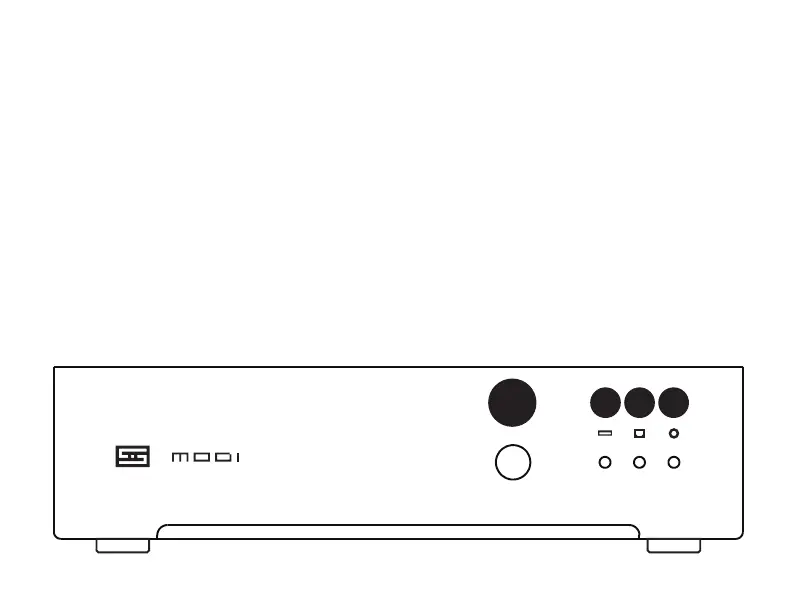
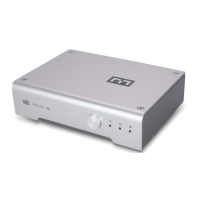
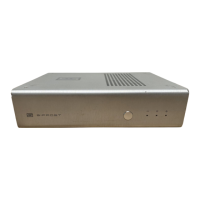
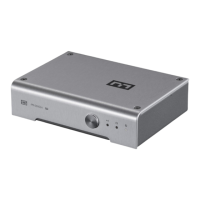
1 Select input by pressing the input button.
This selects from three inputs—USB, optical,
and coaxial. Keep pressing and it will cycle
back around thru the inputs.
2 When lit, the Unison USB™ input is
selected. This is good for computers,
tablets, streamers, and phones.
3 When lit, the Optical (Toslink style) input
is selected. Typically used with TVs.
4 When lit, the Coaxial input is selected.
Used with some CD players and transports.
TROUBLESHOOTING
“Draws too much power” error? Disconnect
Modi+ from USB, then connect the wall-wart
to the Power Input. Modi+ will then report as
a 0mA USB device. You’ll need another USB
cable to connect to your source.
No sound? Make sure you have the correct
output device selected on your device. For
computers, you may need to select Modi+
in both Control Panel (Windows) or System
Prefs (Mac) AND in your player software or
streaming service interface.
4


 To Next Page