CAUTION! Dangerous voltages inside!
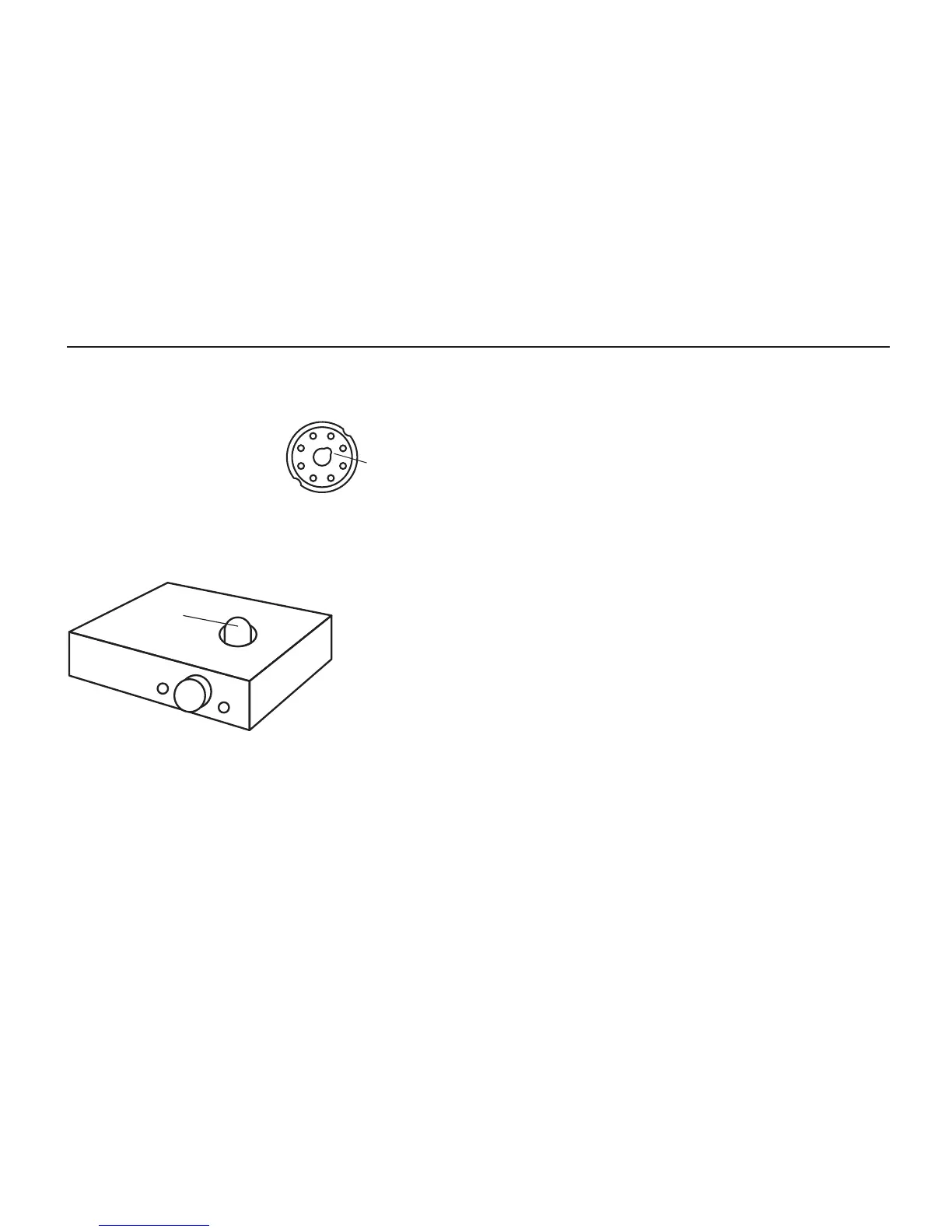
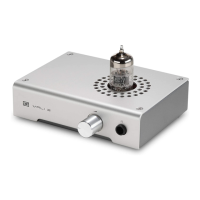
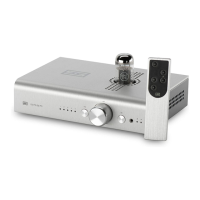
1. Before plugging in the
preamp, insert the tube.
Carefully align the key
in the tube base to the
notch in the tube socket.
2. Ensure tubes are well-seated. Push down rmly
until the tube is seated on the tube socket. This
may take a
fair amount of
force.
3. Plug it in
and turn it on.
The tube will glow
after a few seconds, and the microprocessor will
connect the output after about 60 seconds.
4. Connect your sources. Connect up to 5 sources
with RCA cables to the inputs of Saga+.
5. Connect the output. Connect the output of
Saga+ to your amp or amps using RCA cables.
TUBE
6. Ensure the volume is turned down if you’re
using Saga for the rst time. You don’t want any
big surprises!
Replacing or Swapping Tubes
Saga accommodates any 6SN7, 6N8S or 5692
tube type. 6SL7s also work, but have higher
distortion and higher output impedance.
1. Turn off and unplug the preamp. Wait a while
for the tube to cool.
2. Carefully extract the tube by gently rocking it
back and forth and pulling upwards.
3. Carefully insert the replacement tube. Align
the key to the notch and press down rmly until
the tube is seated.
4. Plug the preamp back in and turn it on.
NOTCH
GETTING STARTED


 To Next Page