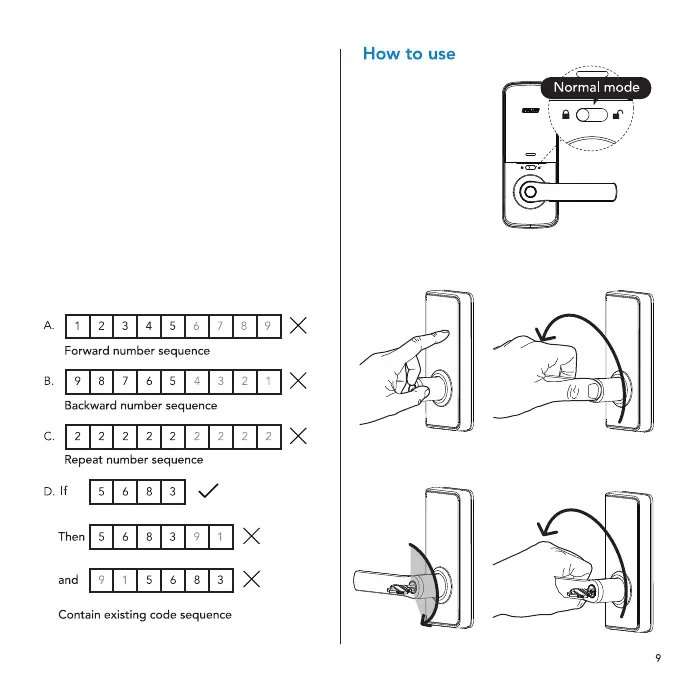
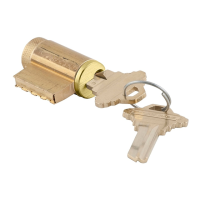
2. Alternatively, use the backup key provided.
Normal mode
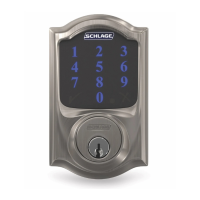
1. Enter the master
or user PIN code,
followed by #,
then rotate the
lever to open the
door. Door will
automatically
re-lock 7 seconds
later. If you wish
to deactivate the
7-second auto re-lock feature,
switch to passage mode (page 10).
Setting PIN codes
1. Master PIN Code (4~10 digit): Default
master PIN code is “12345678”, please
modify it after installation.
If you forget your master PIN code, you
can reset your lock back to factory settings
(refer to page 11 for instructions).
2. User PIN Code (4~10 digit): User PIN codes
can be set up through master PIN code.
Up to 20 user PIN codes can be stored.
3. Both master and user PIN codes don’t
support the following combination of numbers.






 To Next Page