User Manual - LLS 3
Page 26
The light output function is either LED output off with unit on or unit completely off
depending on the Ethernet or RS-232 setting that controls the behavior of the shutdown
signal.
10.0. RS-232 Connection
This is a 9 pin ‘D’ socket for direct connection to a PC, Laptop or other device running a
terminal emulation program, such as HyperTerminal in Windows. A ‘straight through’
cable (wired pin-for-pin) will connect the system to a computer. See the RS-232
programming section for instructions on using this interface.
Pin 2 = Transmitted data from the light source
Pin 3 = Received data into the light source
Pin 5 = Ground
11.0. Ethernet Connection
This is an RJ45 Ethernet connection to an Ethernet network. If a direct PC connection
is required, then a crossover cable must be utilized. See the Ethernet programming
section for instructions on using this interface.
12.0. Multi-Port Connection
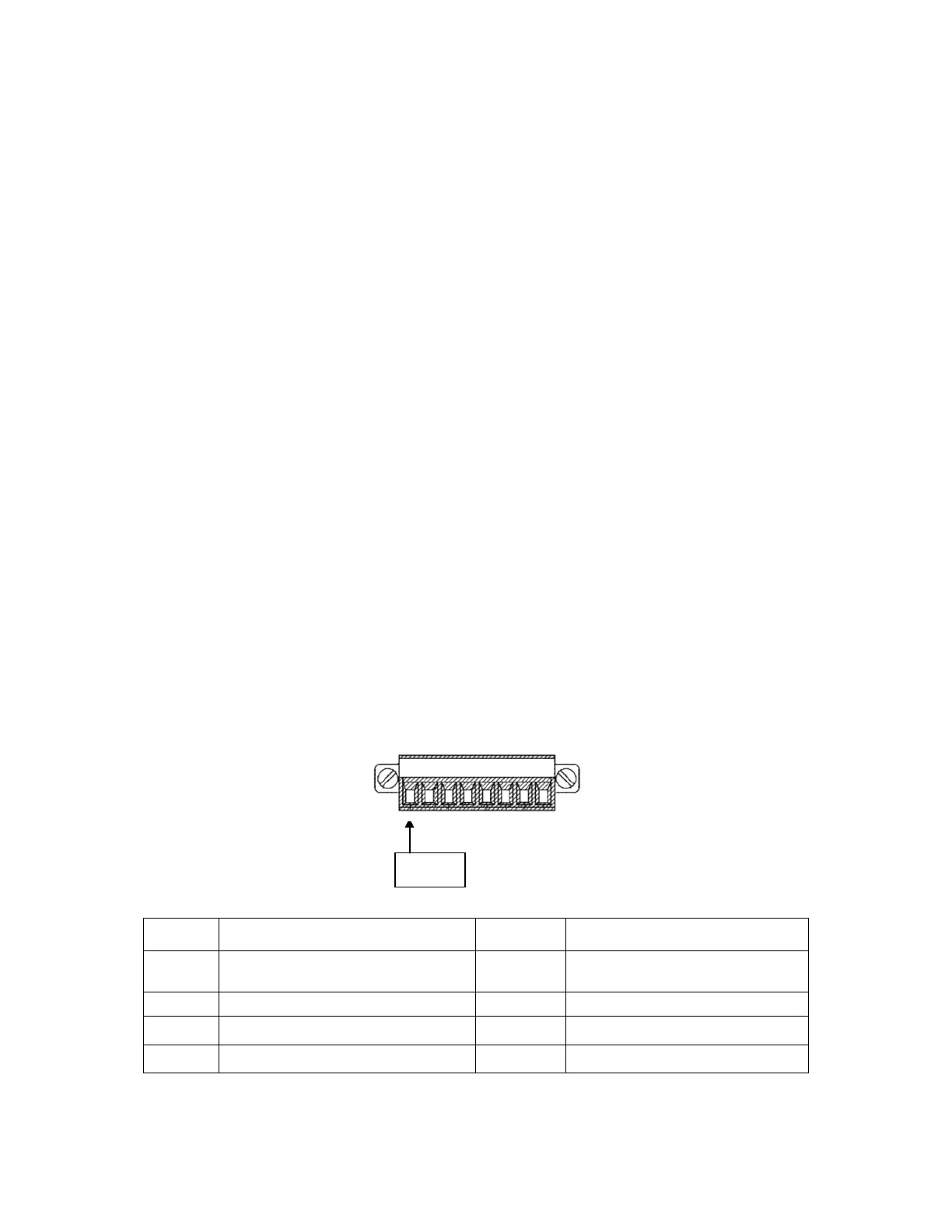
The Multi-Port Connector is a terminal block that provides multiple signal and power
connections. The terminal block that attaches to the Multi-Port connector is: Phoenix
Contact Plug Part Number 1827761. The pin-out of the terminal block is given in the
following table:
Pin Description Pin Description
Shutdown/Triggered Strobe



 To Next Page