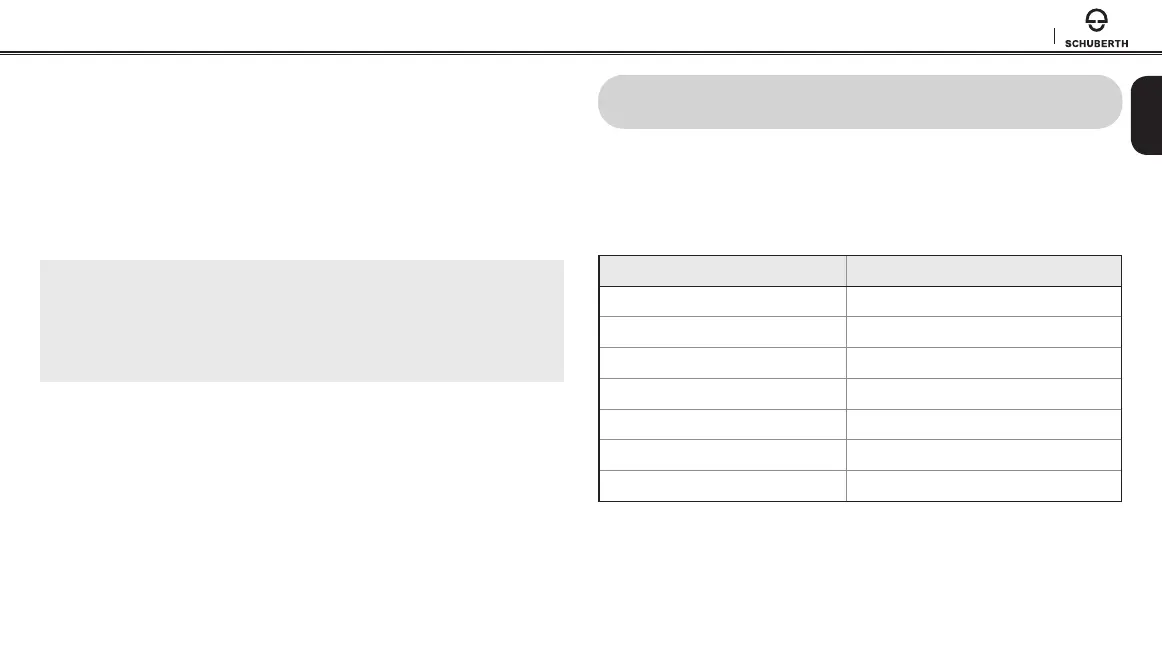
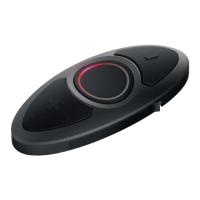
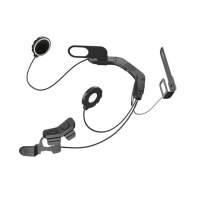
SC10U
19
English
7.2 Music Sharing
You can start sharing music with an intercom friend using Bluetooth
stereo music during a two-way intercom conversation (please refer to
section 8.2, “Two-way Intercom”
). When you terminate music sharing,
you can go back to the intercom conversation. To start or terminate
sharing music, press the (+) Button for 1 second during an intercom
conversation until you hear a double beep. To track forward or track
back, press and hold the (+) Button or the (-) Button for 2 seconds.
Note:
1. Both you and your intercom friend can remotely control music playback
such as track forward and track back.
2. Music sharing will be paused when you are using your mobile phone or
listening to GPS instructions.
8 INTERCOM
To enter the intercom pairing mode, call intercom friends, or start
group intercom, you must enter the intercom menu by pressing the (-)
Button for 1 second. If you perform any action within the intercom
menu, you will automatically exit from the menu.
Intercom Functions Button Operation
Enter intercom menu Press the (-) Button for 1 second
- Enter intercom pairing mode Tap the (+) Button
- Call rst intercom friend Tap the (-) Button
- Call second intercom friend Double tap the (-) Button
- Call third intercom friend Triple tap the (-) Button
- Start Group Intercom Press the (-) Button for 1 second
- Exit intercom menu Press the (+) Button for 3 seconds


 To Next Page