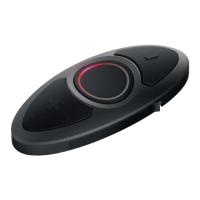
SC10U
36
Note:
1. After assigning a phone number to one of three speed dials, you can
continually assign another phone number to the rest of two speed dials.
2. You can also assign phone numbers for speed dialing by using the Sena
Device Manager software or the Sena Smartphone App. Please visit the
Sena Bluetooth website at www.sena.com for more information.
14.6 Enabling/Disabling Audio Boost
Voice Prompt
“Audio boost”
Factory Default Disable
Enable/Disable Tap the (-) Button
Enabling Audio Boost increases the overall maximum volume.
Disabling Audio Boost reduces the overall maximum volume, but
delivers more balanced sound.
14.7 Enabling/Disabling Voice Activated Phone
Answering
Voice Prompt
“VOX phone”
Factory Default Enable
Enable/Disable Tap the (-) Button
If this feature is enabled, you can answer incoming calls by voice.
When you hear a ringtone for an incoming call, you can answer the
phone by saying a word such as “Hello” loudly or by blowing air into
the microphone. VOX phone is temporarily disabled if you are
connected to intercom. If this feature is disabled, you have to tap the
(+) Button to answer an incoming call.


 To Next Page